42
Part
3
-
Setting up
and
programming the terminal
Local
/Line
Press
CTRL+PS
to get the screen picture below. If
you are in a menu, you must first press 'exit'
(PI).
pqpig~~~
WITCHE
ADJUST
Local
Line
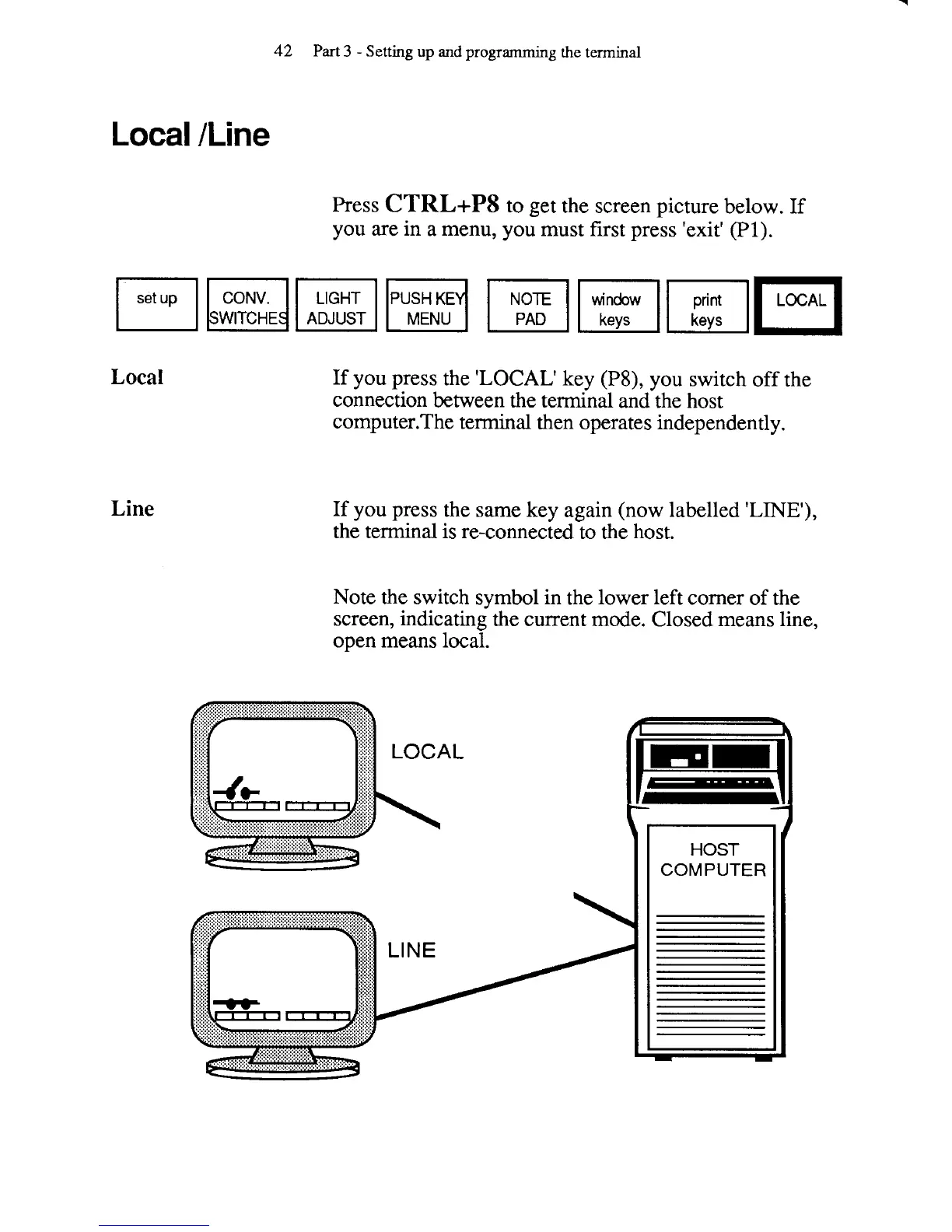
If you press the
'LOCAL'
key
(P8),
you switch off the
connection between the terminal and the host
computer.The terminal then operates independently.
If you press the same key again (now labelled
'LINE'),
the terminal is re-connected to the host.
Note the switch symbol in the lower left corner of the
screen, indicating the current mode. Closed means line,
open means local.



 To Next Page