30
Part
3
-
Setting up
and
programming the
terminal
Notepad
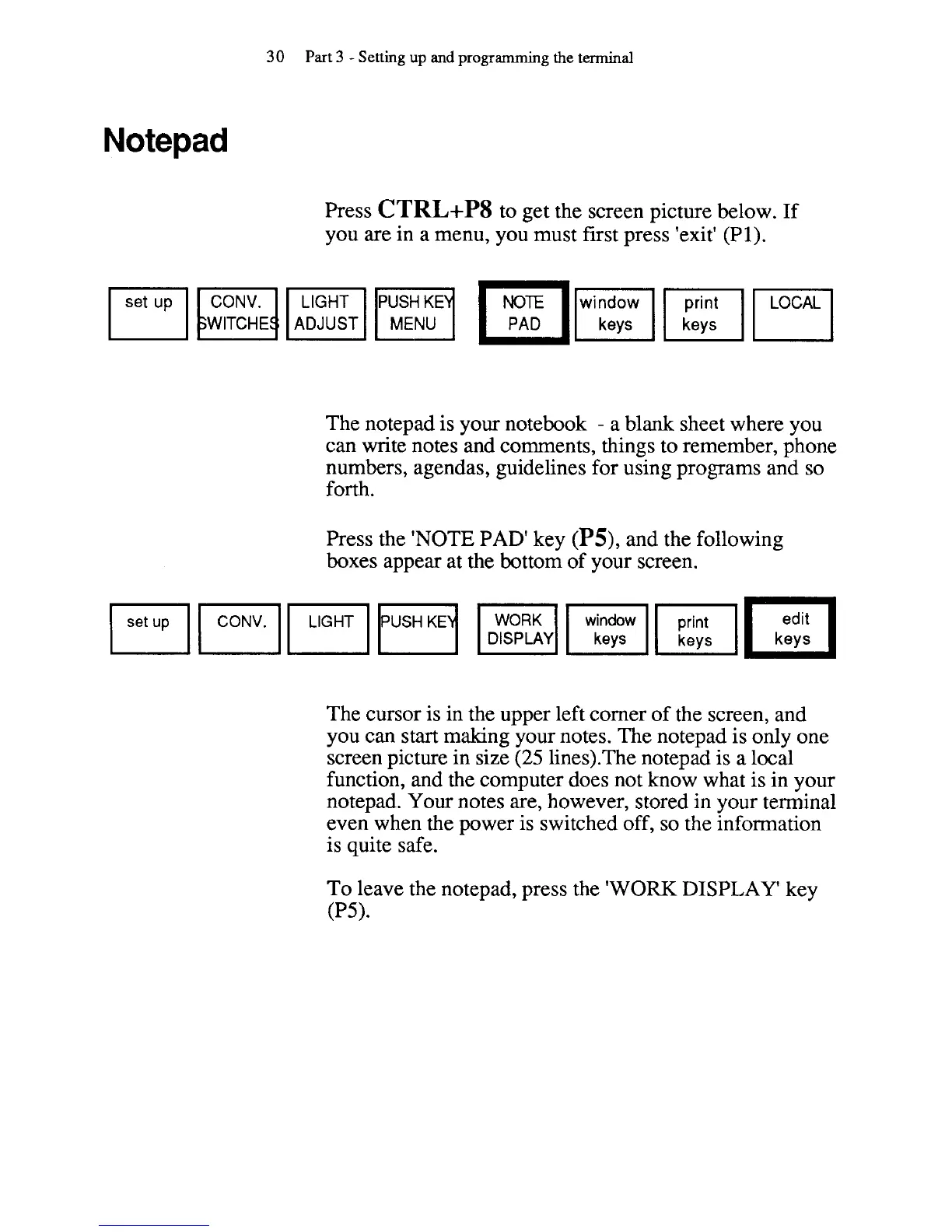
Press
CTRL+P8
to get the screen picture below. If
you are in a menu, you must first press 'exit'
(PI).
pqB""""4y'""'Iy
WITCHE
ADJUST
The notepad is your notebook
-
a blank sheet where you
can write notes and comments, things to remember, phone
numbers, agendas, guidelines for using programs and so
forth.
Press the 'NOTE PAD' key
(PS),
and the following
boxes appear at the bottom of your screen.
The cursor is in the upper left corner of the screen, and
you can start making your notes. The
notepad is only one
screen picture in size
(25
lines).The notepad is a local
function, and the computer does not know what is in your
notepad. Your notes are, however, stored in your terminal
even when the power is switched off, so the information
is quite safe.
To leave the
notepad, press the
'WORK
DISPLAY'
key
0'5).



 To Next Page