3
8
Part
3
-
Setting
up
and programming the
terminal
Print
keys
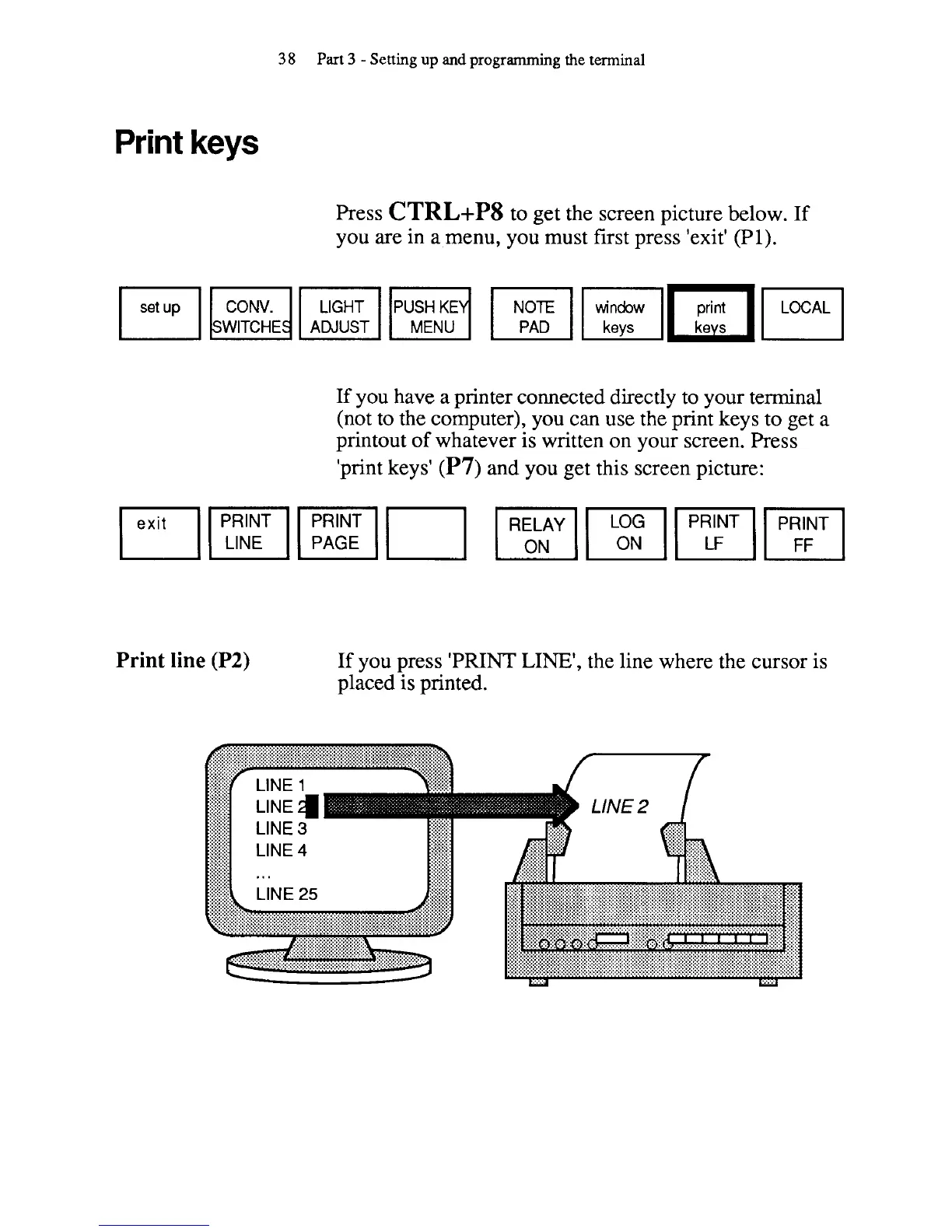
Press
CTRL+P8
to get the screen picture below. If
you are in a menu, you must first press 'exit'
(PI).
mm
WITCHE
ADJUST
If
you have a printer connected directly to your terminal
(not to the computer), you can use the print keys to get a
printout of whatever is written on your screen. Press
'print keys'
(P7) and you get this screen picture:
Print line
(P2)
If you press 'PRINT LINE', the line where the cursor is
placed is printed.



 To Next Page