16
Part
3
-
Setting
up
and
programming
the
terminal
Part
3
-
Setting up and programming
the terminal
To a large extent, you can choose exactly how you want
the terminal to behave when you use it. You can, for
example, adjust the light intensity, switch the margin bell
on or off, or program the terminal to perform complex
functions at the touch of one
key.Al1 this is possible with
the soft keys,
P1
-
P8.
In part
2,
we talked about the three main soft key
functions: PROGRAM function, PUSH-key function and
TERMINAL function. All the operations described here,
in part
3,
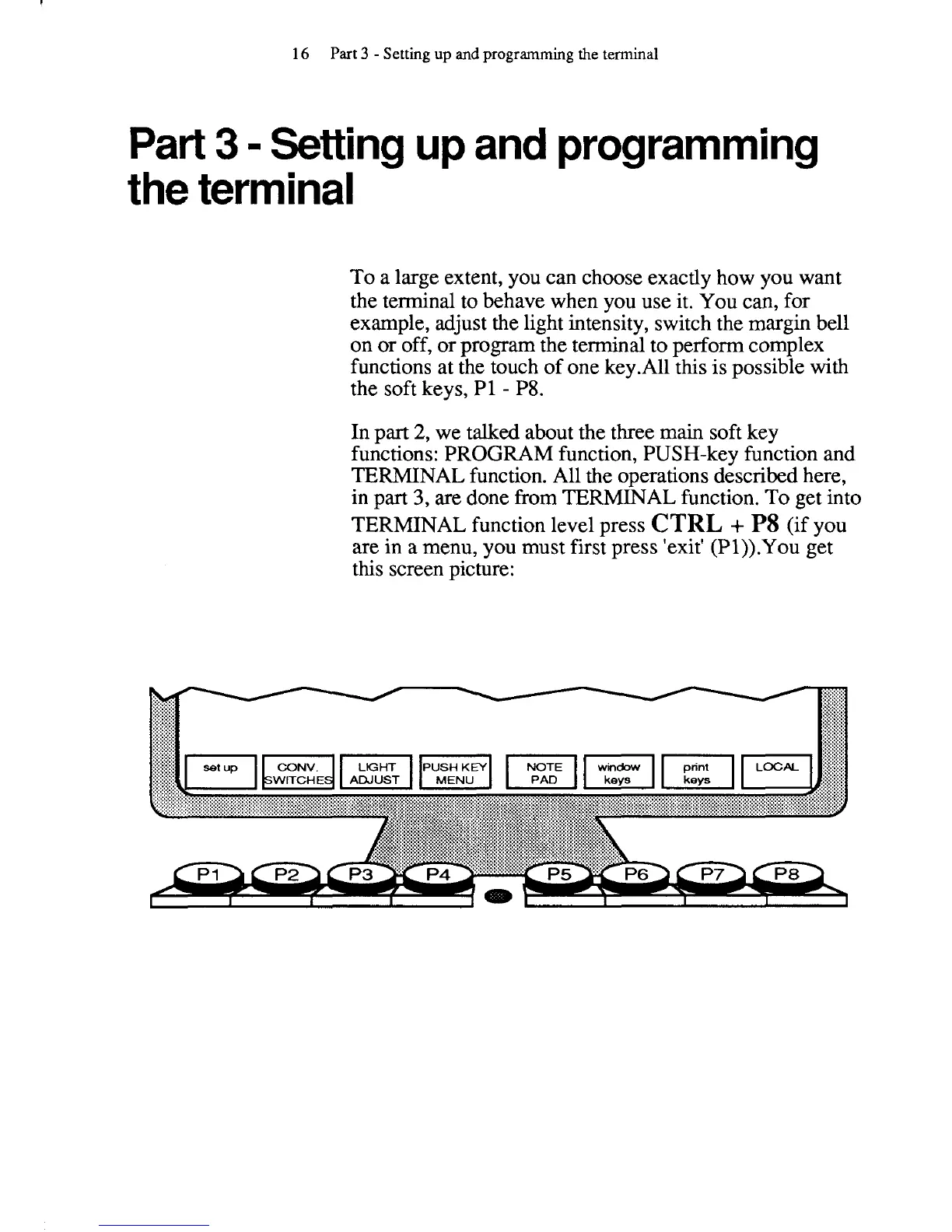
are done from TERMINAL function. To get into
TERMINAL function level press
CTRL
+
P8
(if you
are in a menu, you must first press 'exit'
(Pl)).You get
this screen picture:



 To Next Page