15
Part
2
-
Getting
acquainted
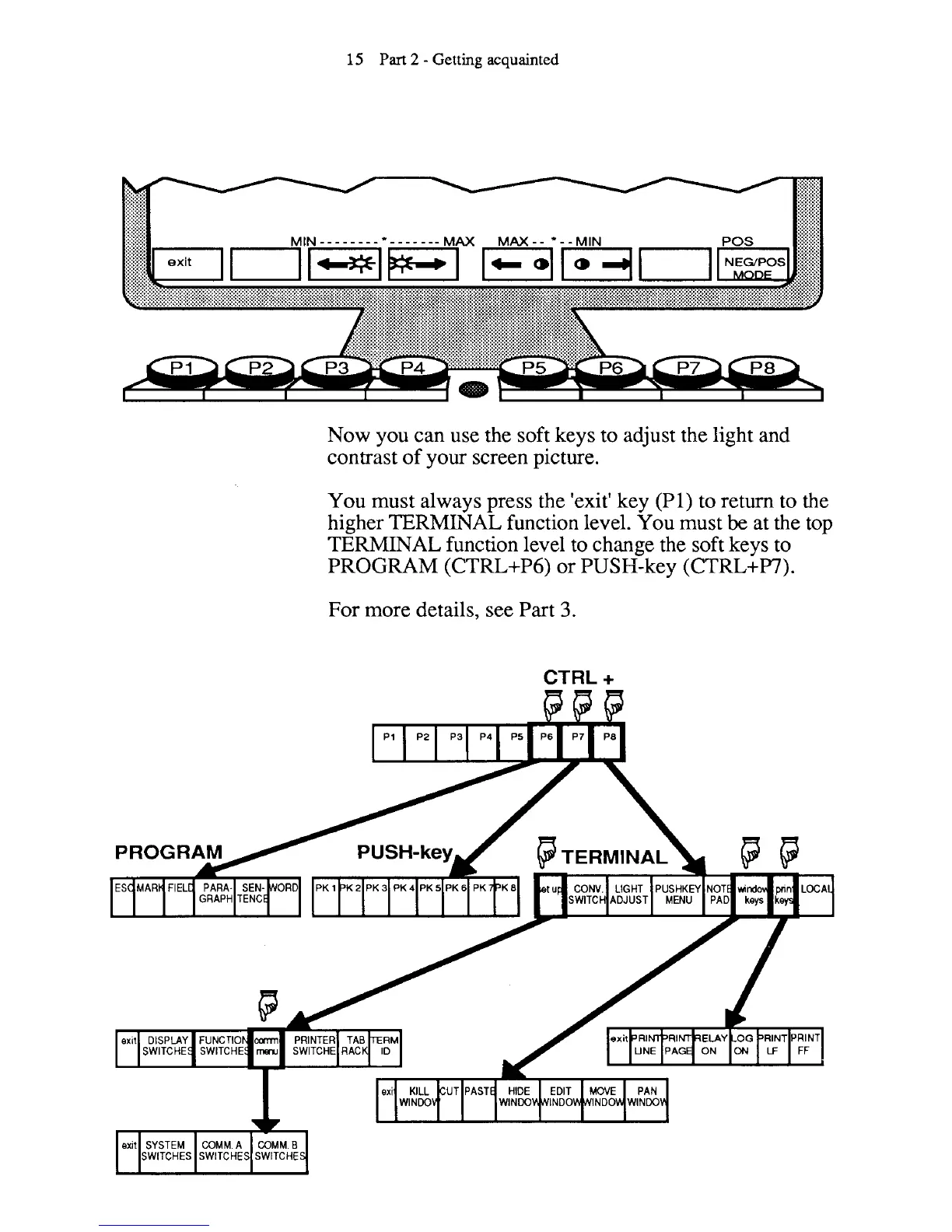
Now you can use the soft keys to adjust the light and
contrast of your screen picture.
You must always press the 'exit' key
(PI) to return to the
higher
TERMUYAL function level. You must
be
at the top
TERMINAL function level to change the soft keys to
PROGRAM
(CTRL+P6) or PUSH-key (CTRL+W).
For more details, see Part
3.



 To Next Page