19
Part
3
-
Setting up
and
programming
the
terminal
Set
up
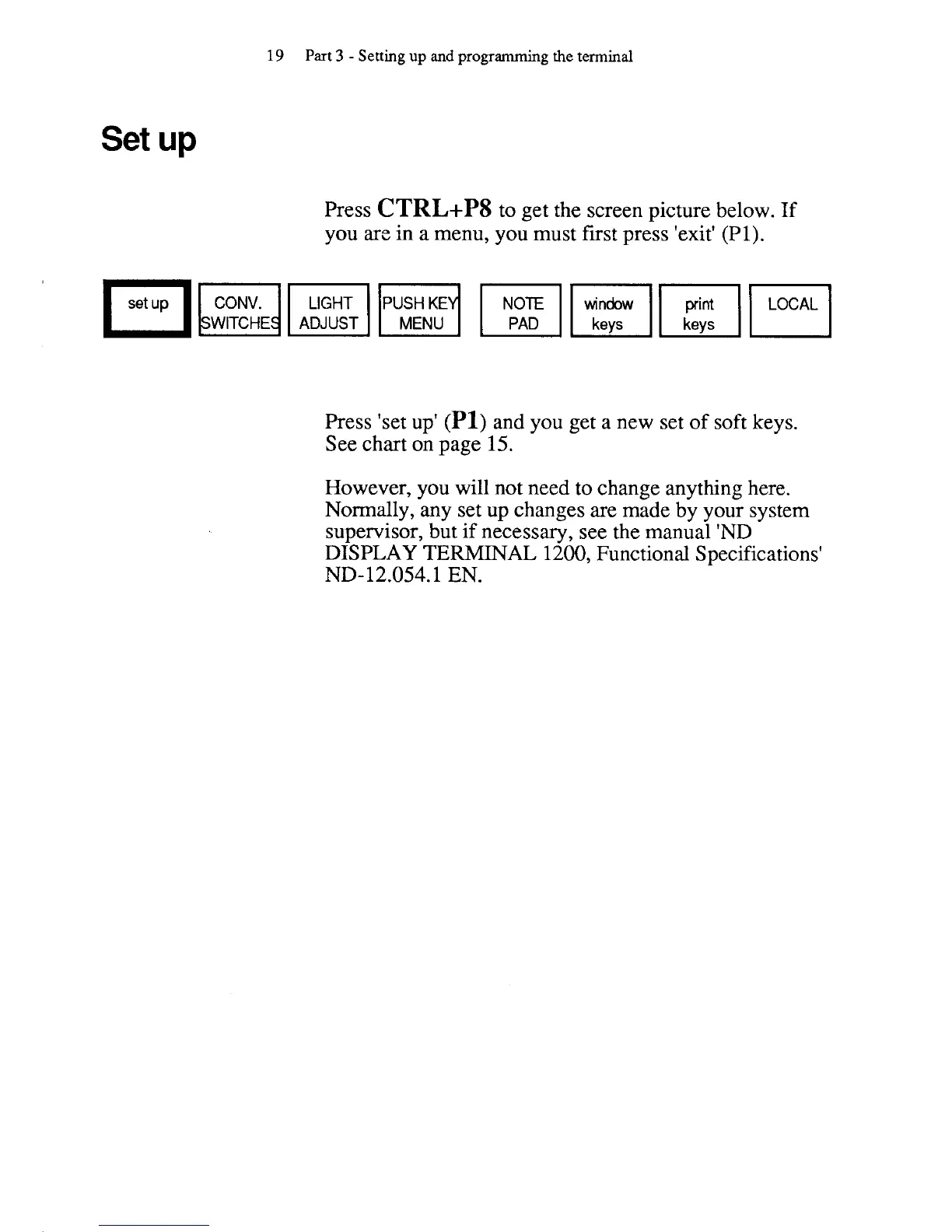
Press
CTRL+PS
to get the screen picture below. If
you are in
a
menu, you must first press 'exit' (PI).
FI~~~uT,HT~~
WITCHE
ADJUST
Press 'set up' (PI) and you get
a
new set of soft keys.
See chart on page
15.
However, you will not need to change anything here.
Normally, any set up changes are made by your system
supervisor, but if necessary, see the manual 'ND
DISPLAY
TERMINAL
1200, Functional Specifications'
ND- 12.054.1 EN.



 To Next Page