20
Part
3
-
Setting
up
and
programming
the tenninal
Convenience switches
set
up
0
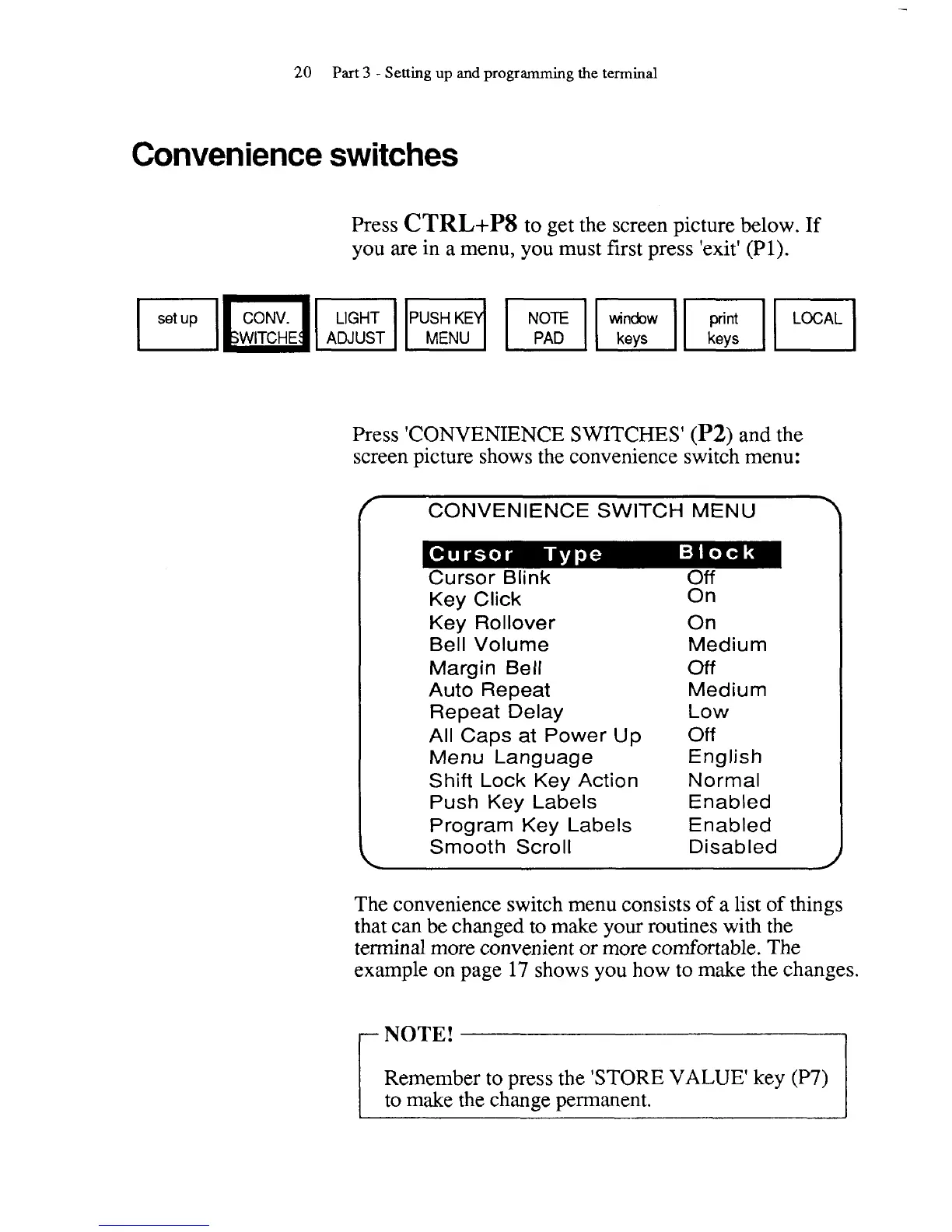
Press
CTRL+PS
to get the screen picture below. If
you are in a menu, you must first press 'exit'
(PI).
Press 'CONVENIENCE SWITCHES'
(P2)
and the
screen picture shows the convenience switch menu:
f
CONVENIENCE SWITCH MENU
1
Key Click
Key Rollover
Bell Volume
Margin Bell
Auto Repeat
Repeat Delay
All Caps at Power Up
Menu Language
Shift Lock Key Action
Push Key Labels
Program Key Labels
Smooth Scroll
On
On
Medium
Off
Medium
Low
Off
English
Normal
Enabled
Enabled
Disabled
The convenience switch menu consists of a list of things
that can be changed to make your routines with the
terminal more convenient or more comfortable. The
example on page 17 shows you how to make the changes.
I
Remember to press the 'STORE VALUE' key (P7)
to make the change permanent.



 To Next Page