29
Part
3
-
Setting
up
and
programming the terminal
Using the
programmed
PUSH-keys
When you have finished programming the PUSH-keys,
you must press 'exit'
(PI) to get back to normal operation
of the terminal. You can now start
using
the programmed
PUSH-keys.
Let us say that you are writing a letter to a customer, and
want to include the text you just wrote in PUSH-key
number seven 'Please contact us.....'.
This is what you do:
1.
Move the cursor to the point on the screen where
you want the text to appear.
2.
Press CTRL
+
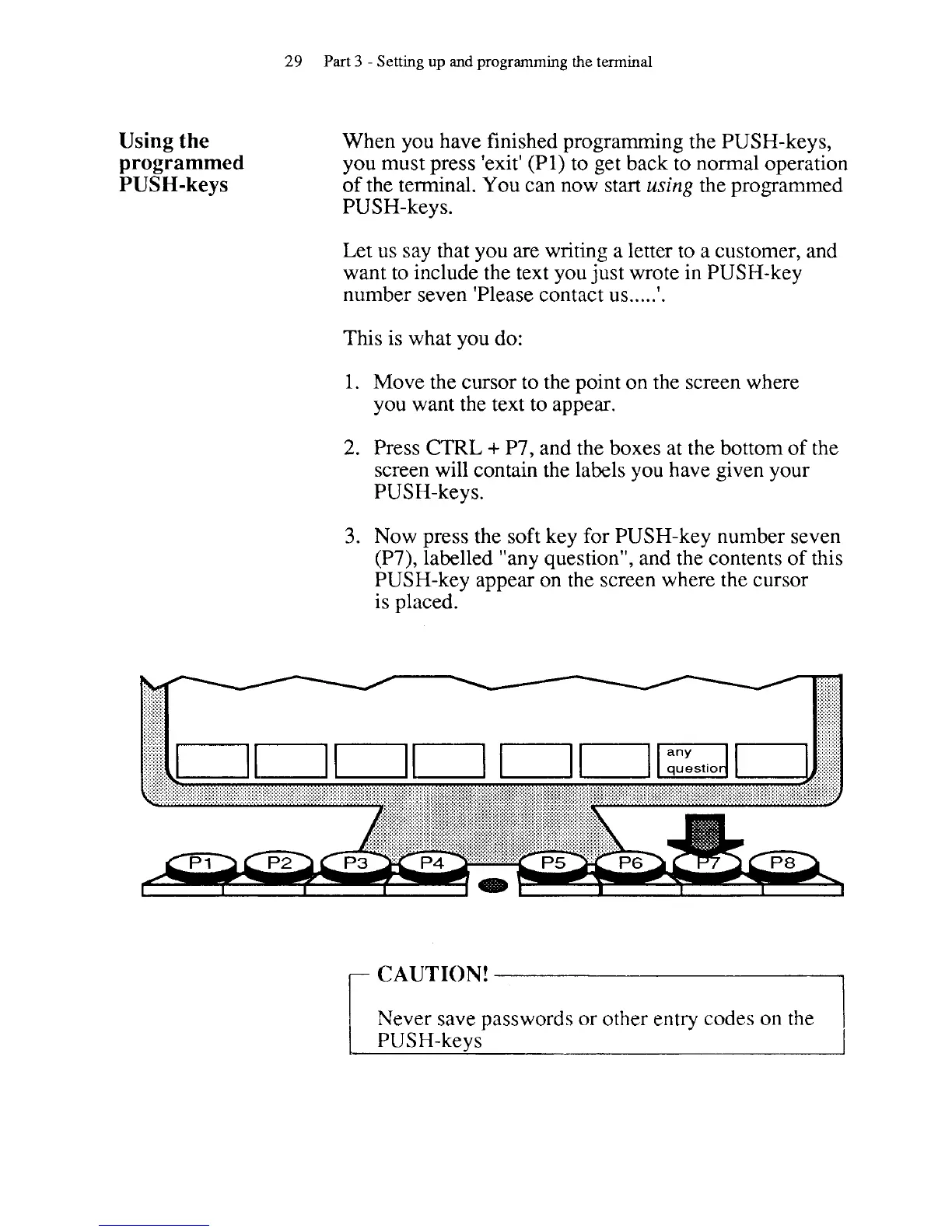
P7, and the boxes at the bottom of the
screen will contain the labels you have given your
PUSH-keys.
3.
Now press the soft key for PUSH-key number seven
(P7), labelled "any question", and the contents of this
PUSH-key appear on the screen where the cursor
is placed.
Never save passwords or other entry codes on the
1
I
PUSH-keys



 To Next Page