28
Part
3
-
Setting
up
and
programming
the
terminal
Program HEX
0'6)
Program
CONTROL (P7)
For the advanced user:
When you press this key, all
characters must
be
entered as hexadecimal codes. This
means that only the digits
0
to
9
and characters A to
F
are
valid symbols.
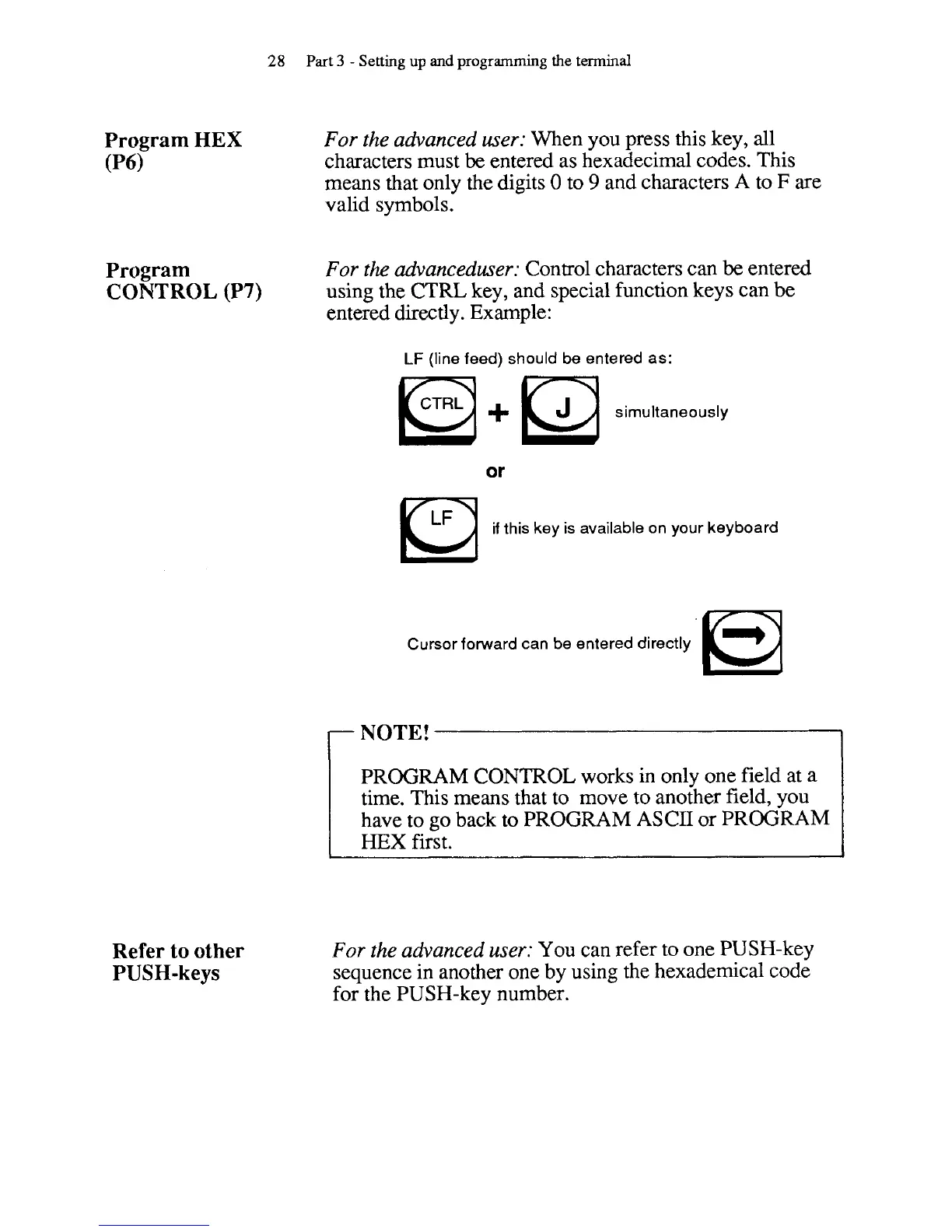
For the advanceduser:
Control characters can
be
entered
using the
CTRL
key, and special function keys can be
entered directly. Example:
LF
(line feed) should be entered as:
+
simu~taneous~y
or
if
this key is available on your keyboard
Cursor forward can be entered directly
r
NOTE!
I
PROGRAM CONTROL works in only one field at a
time. This means that to move to another field, you
have to go back to PROGRAM ASCII or PROGRAM
HEX
first.
Refer to other
PUSH-keys
For the advanced user:
You can refer to one PUSH-key
sequence in another one by using the hexademical code
for the PUSH-key number.



 To Next Page