34
Part
3
-
Setting
up
and
programming the terminal
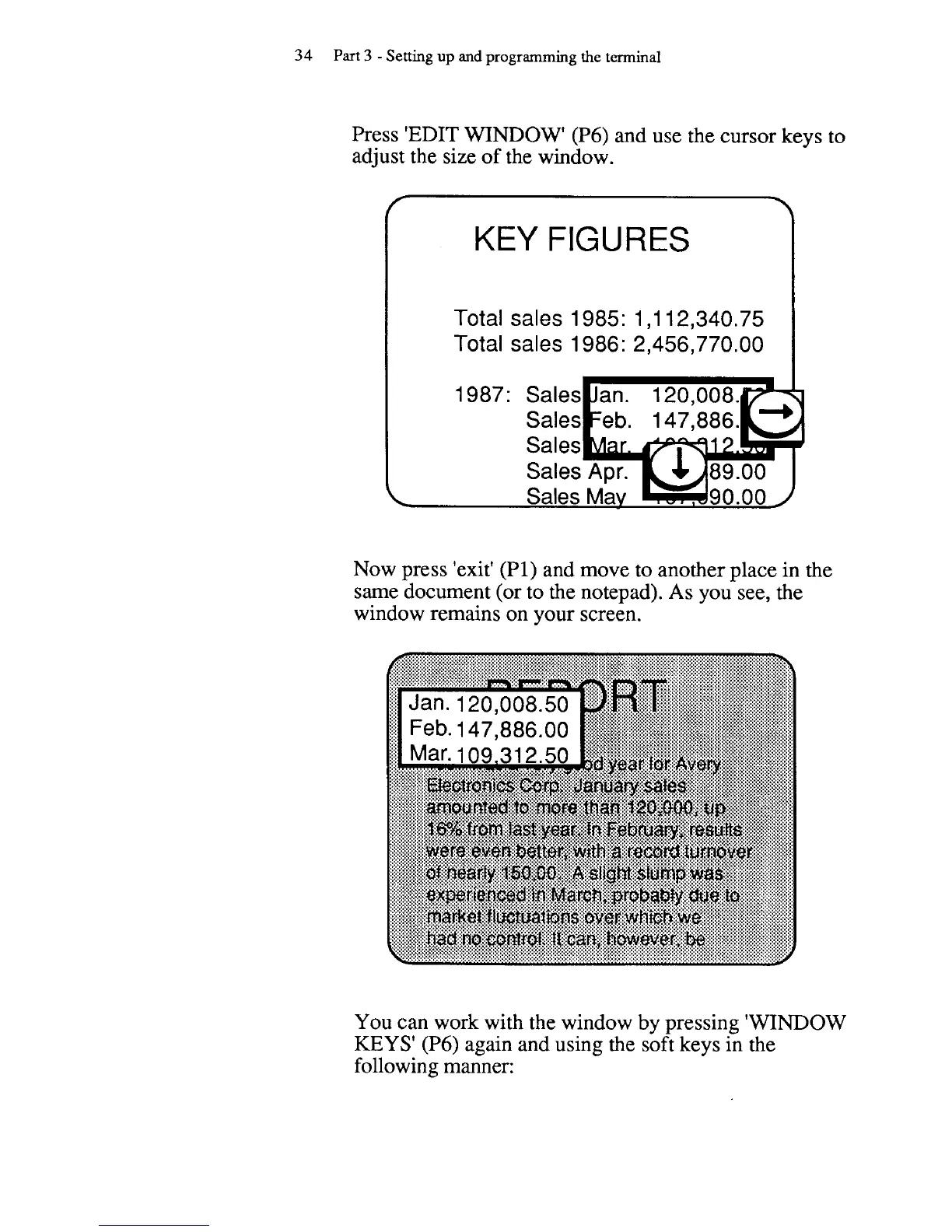
Press 'EDIT
WINDOW'
(P6) and use the cursor keys to
adjust the size of the window.
T
KEY
FIGURES
Total sales
1985: 1,112,340.75
Total sales
1 986: 2,456,770.00
Now press 'exit'
(PI)
and move to another place in the
same document (or to the notepad). As you see, the
window remains on your screen.
You can work with the window
by
pressing 'WINDOW
KEYS' (P6) again and using the soft keys in the
following manner:



 To Next Page