4
1. Introduction
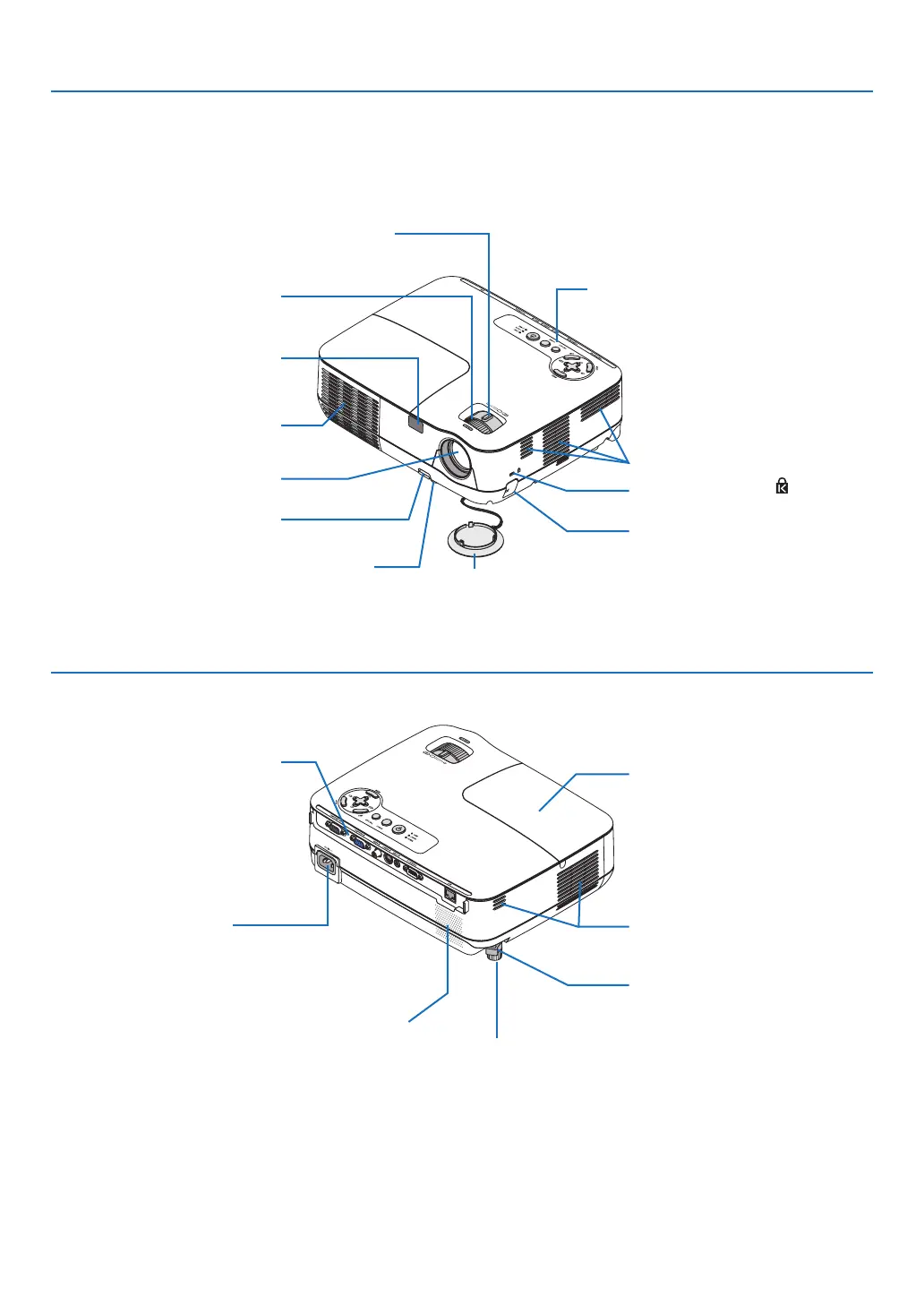
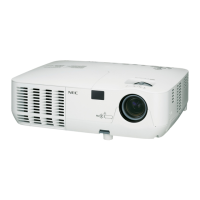
Part Names of the Projector
Zoom Lever
(→ page 23)
Controls
(→ page 5)
Lens
Lens Cap
Built-in Security Slot (
)*
Adjustable Tilt Foot Lever
(→ page 22)
Adjustable Tilt Foot
(→ page 22)
Remote Sensor
(→ page 8)
Front/Top
AC Input
Connect the supplied power
cable's three-pin plug here, and
plug the other end into an active
wall outlet. (→ page 17)
Terminal Panel
(→ page 6)
Rear
* This security slot supports the MicroSaver ® Security System.
Ventilation (outlet)
Heated air is ex-
hausted from here.
Ventilation (inlet)
Lamp Cover
(→ page 71)
Focus Ring
(→ page 23)
Ventilation (inlet)
Monaural Speaker (7W)
Rear Foot
(→ page 22)
Security chain opening
Attach an anti-theft device.
The security chain opening accepts
security wires or chains up to 0.18
inch/4.6 mm in diameter.
Spacer (black rubber)
To fine-adjust the height of the rear
foot, remove the spacer and rotate
the rear foot to the desired height.


 To Next Page