. Introducton
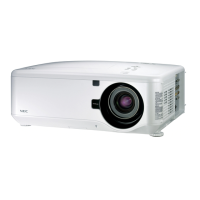
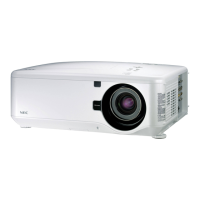
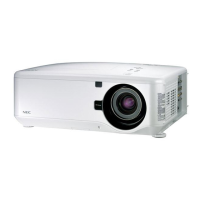
Top Features
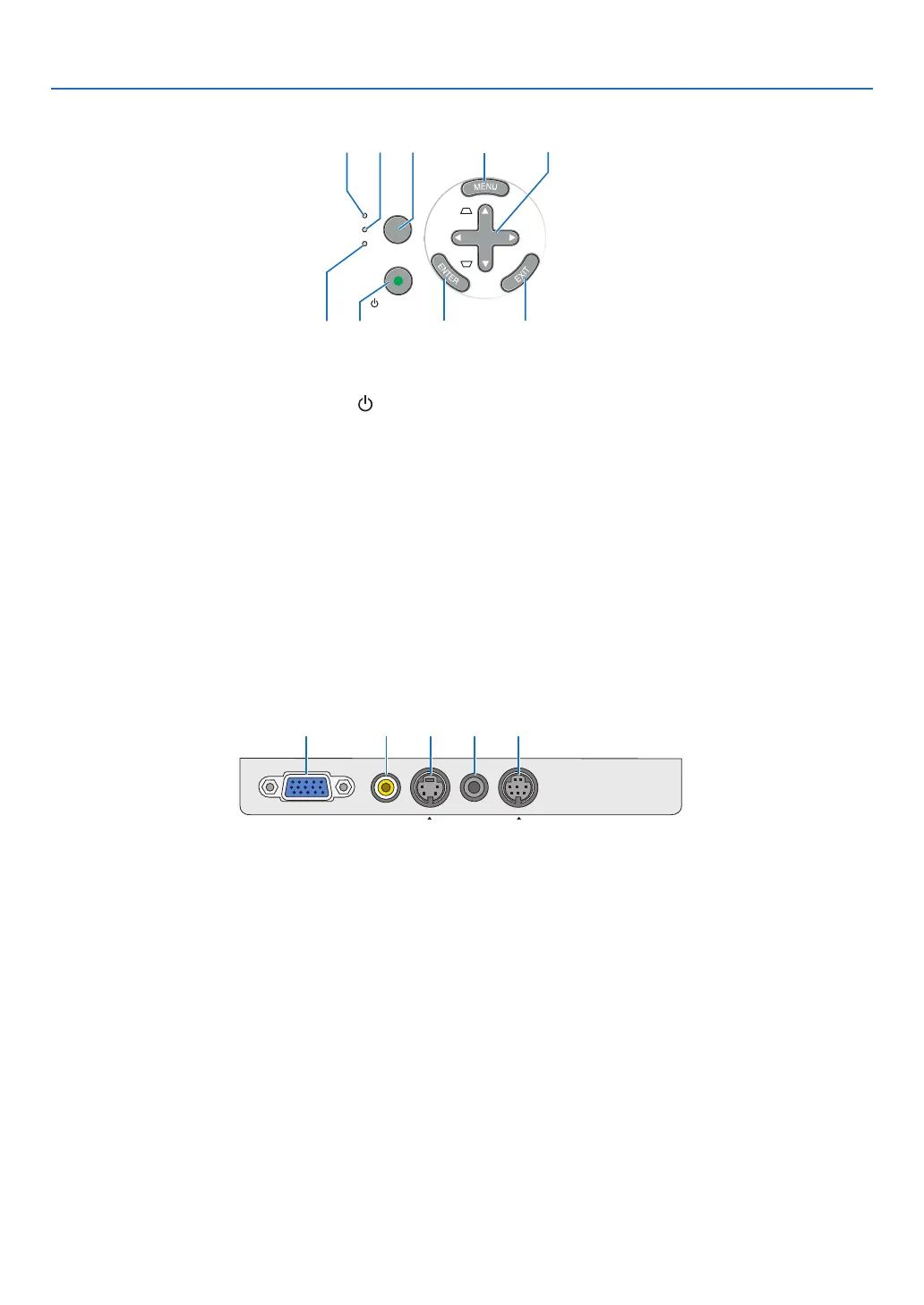
. POWER Button (ON / STAND BY) ( ) (→ page
16, 27)
. POWER Indcator
(→ page 15, 16, 27, 63)
3. STATUS Indcator
(→ page 63)
. LAMP Indcator
(→ page 59, 63)
. FOCUS Button
(→ page 24)
. MENU Button
(→ page 35)
7. SELECT
▲▼◀▶ / SOURCE ▶ / AUTO ADJ ◀ /
Keystone ▲▼ Buttons (→ page 18, 25, 26)
8. ENTER Button
9. EXIT Button
Termnal Panel Features
. COMPUTER IN/ Component Input Connector
(Mn D-Sub Pn)
(→ page 12, 13)
. VIDEO IN Connector (RCA)
(→ page 14)
3. S-VIDEO IN Connector (Mn DIN Pn)
(→ page 14)
. AUDIO IN Mn Jack (Stereo Mn)
(→ page 12, 13, 14)
. PC CONTROL Port (Mn DIN 8 Pn)
(→ page 71)
Use this port to connect a PC or control system.
This enables you to control the projector using se-
rial communication protocol. If you are writing your
own program, typical PC control codes are on page
71.
SOURCE
AUTO
ADJ.
ON/STAND BY
FOCUS
LAMP
STATUS
POWER
SELECT
8
12
4
5
6
7
3
9
VIDEO IN
COMPUTER IN
PC CONTROL
AUDIO IN
S-VIDEO IN
1 52 3 4



 To Next Page