UT880 Owner’s Guide 5 - 1
Media
5Media
SECTION 1 MUSIC
1.1 Play Music
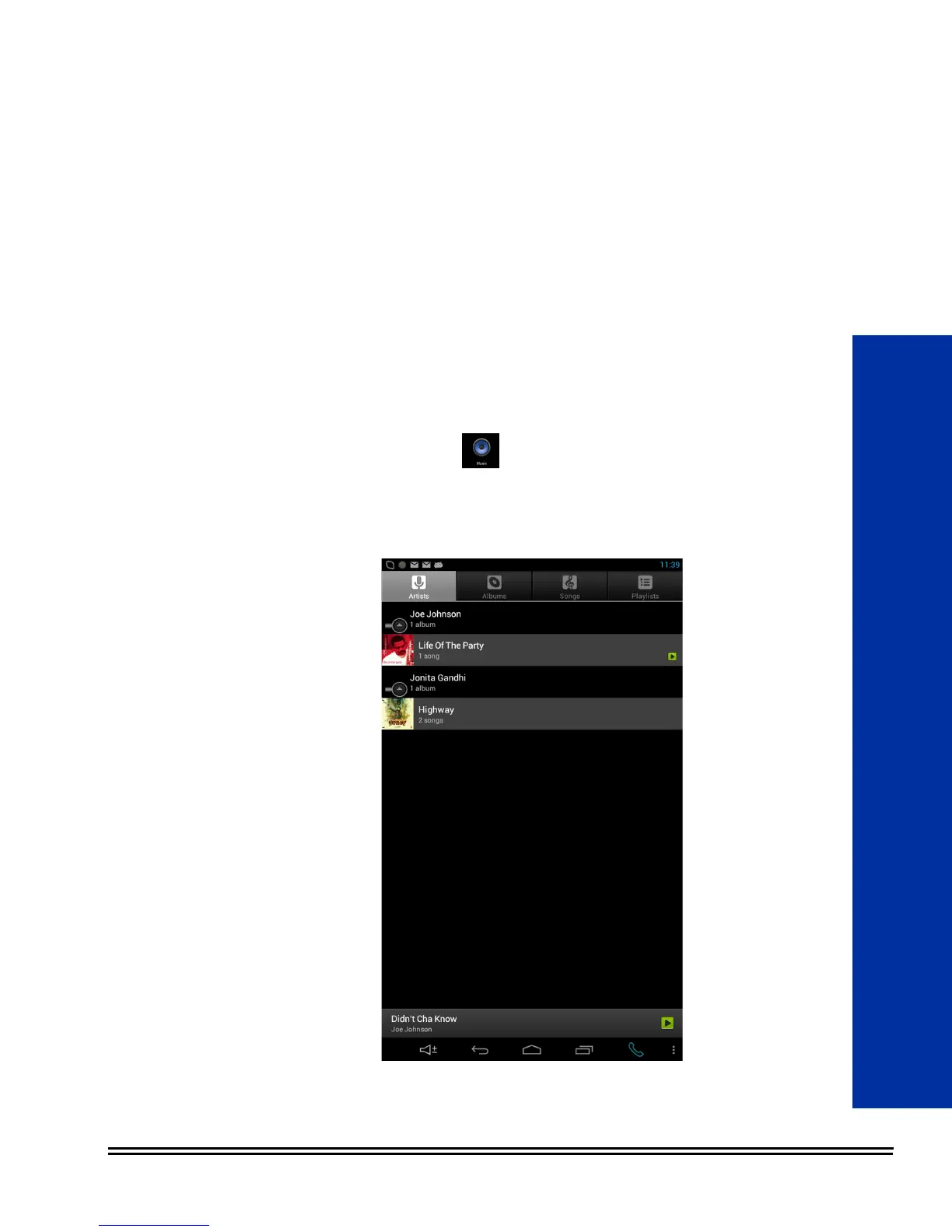
1. Use the Music application to listen to music from the
UT880 or to stream music.
2. Play music by selecting a music category (Artist, Albums, Songs
or Playlist) and tap the Play button.
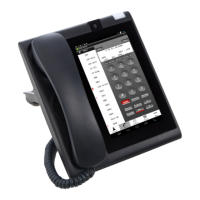
Figure 5-1 Play Music





 To Next Page