Guide to Operation
46
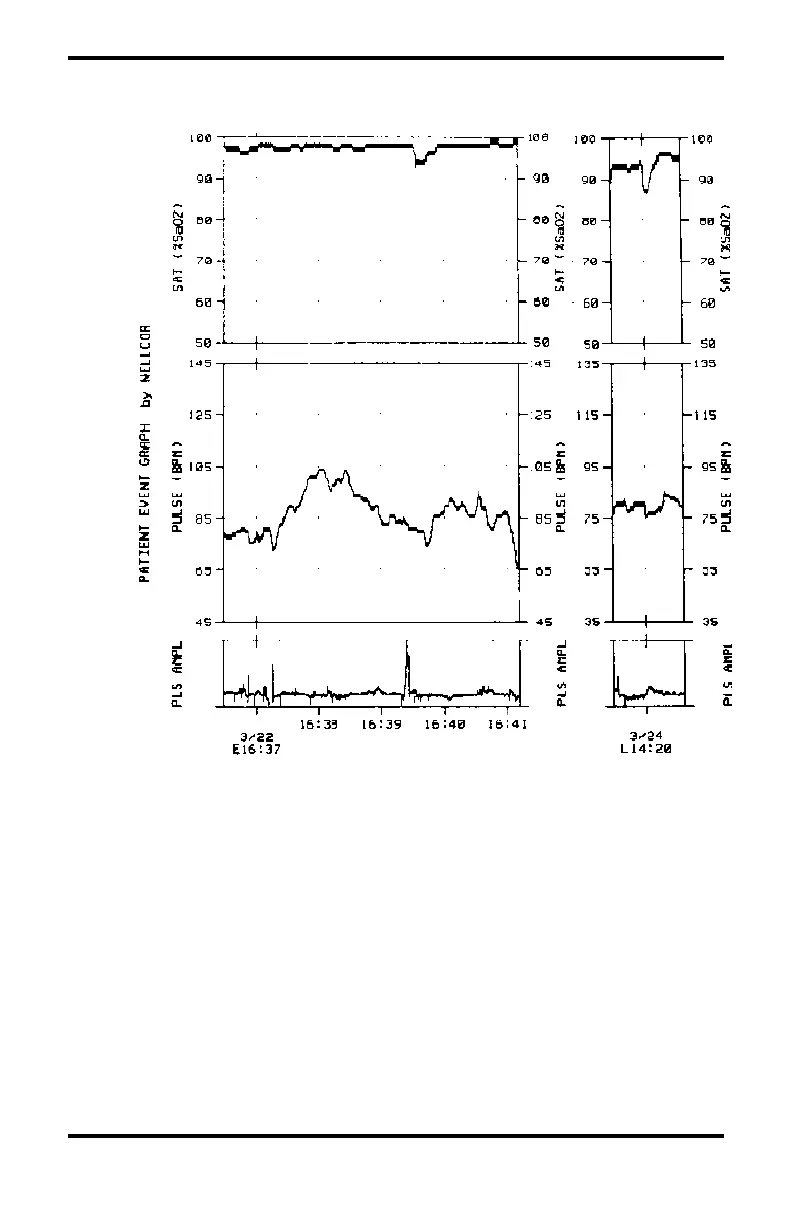
Figure 8 illustrates event output on a ThinkJet printer.
Figure 8: Sample ThinkJet Event Graph
Note: A user-defined event started at 4:37 p.m. on 3/22
(E16:37) and an alarm-limit event started at 2:20p.m.
on 3/24 (L14:20).
To Determine the Number of Events in Memory: press
and hold the LOW SAT and LOW RATE buttons. If no events
are stored in event memory, no E is displayed; if 60 or fewer
events are stored in event memory, nn E is displayed. If more
than 60 events occur, only the last 60 are available.



 To Next Page