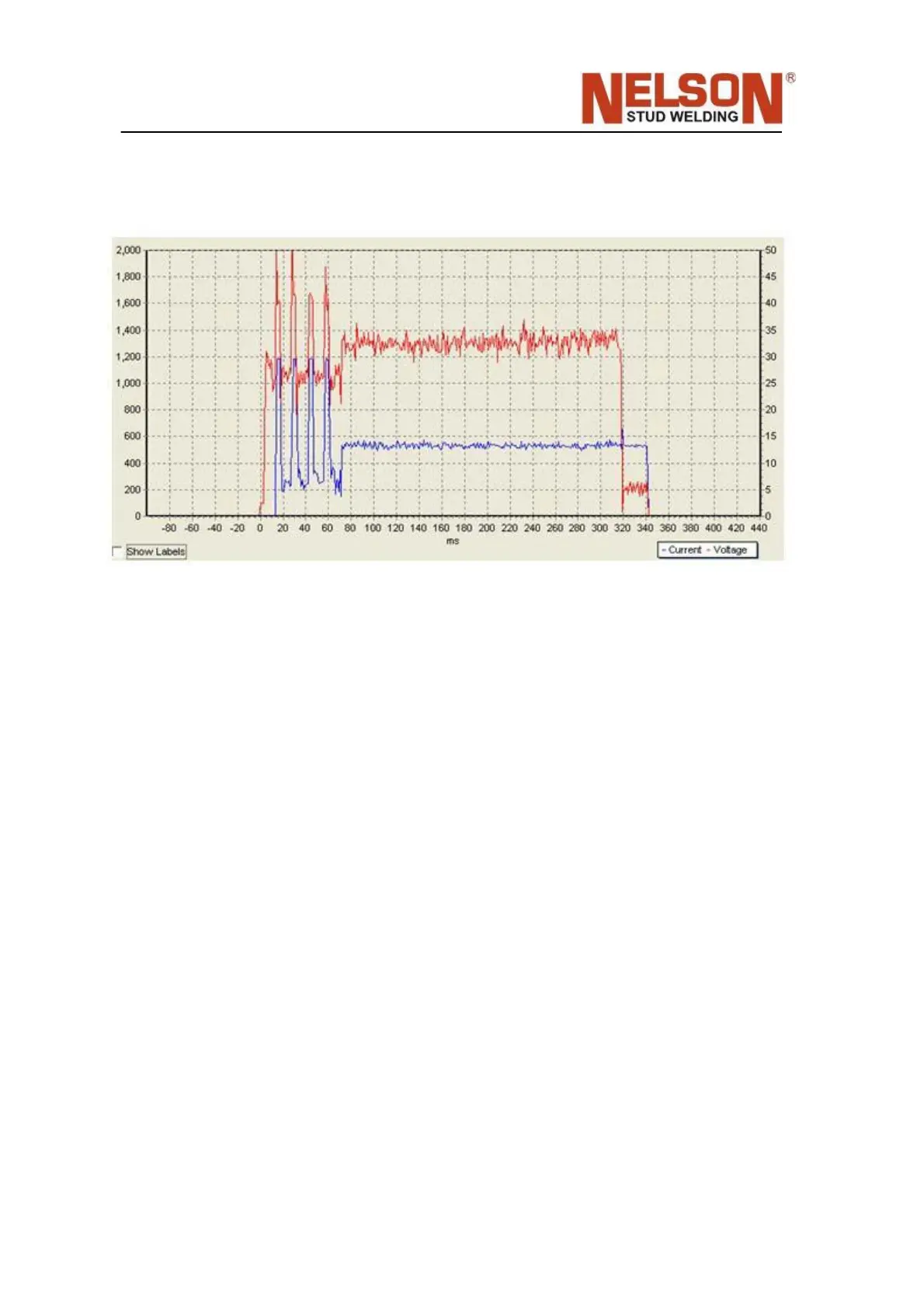
The example below shows 4 cleaning pulses of 1200A prior to the main arc current of
570A. It is recommended to use Nelware PC software to configure the pulse cleaning
feature properly.
By default pulse cleaning in main arc is disabled.
6.12 Password Reset
If the password is forgotten, it can be reset or removed. Turn the power off, press and
hold the F key and the Time‐Down key, and turn the power back on. Keep the keys
pressed until the display reads ʹOKʹ. Then release the keys. This will restore all
factory defaults, even if the unit was previously locked.
6.13 Demo Mode
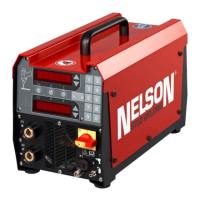
In demo mode, the welder will continuously flash all the lights in sequence on the
front panel and key features of the welder will be scrol led in the 7‐segment displays.
To enter or exit the demo, press 1, 2 and 3 simultaneously. Prior to welding, it is
recommended that the welder is turned off, then back on after using Demo mode.
6.14 Cable Resistance Monitor
When enabled with F55, the cable resistance can be measured and com‐ pared after
each weld. When out of tolerance window defined by F56, and error E016 is
generated to tell the user to check for loose weld cable connections and worn cable.
F55 enables this function but also sets the target. After a normal weld is performed,
press and hold the ‘LOCK’ key while viewing F55 until the display reads ‘SAVED’ to


 To Next Page