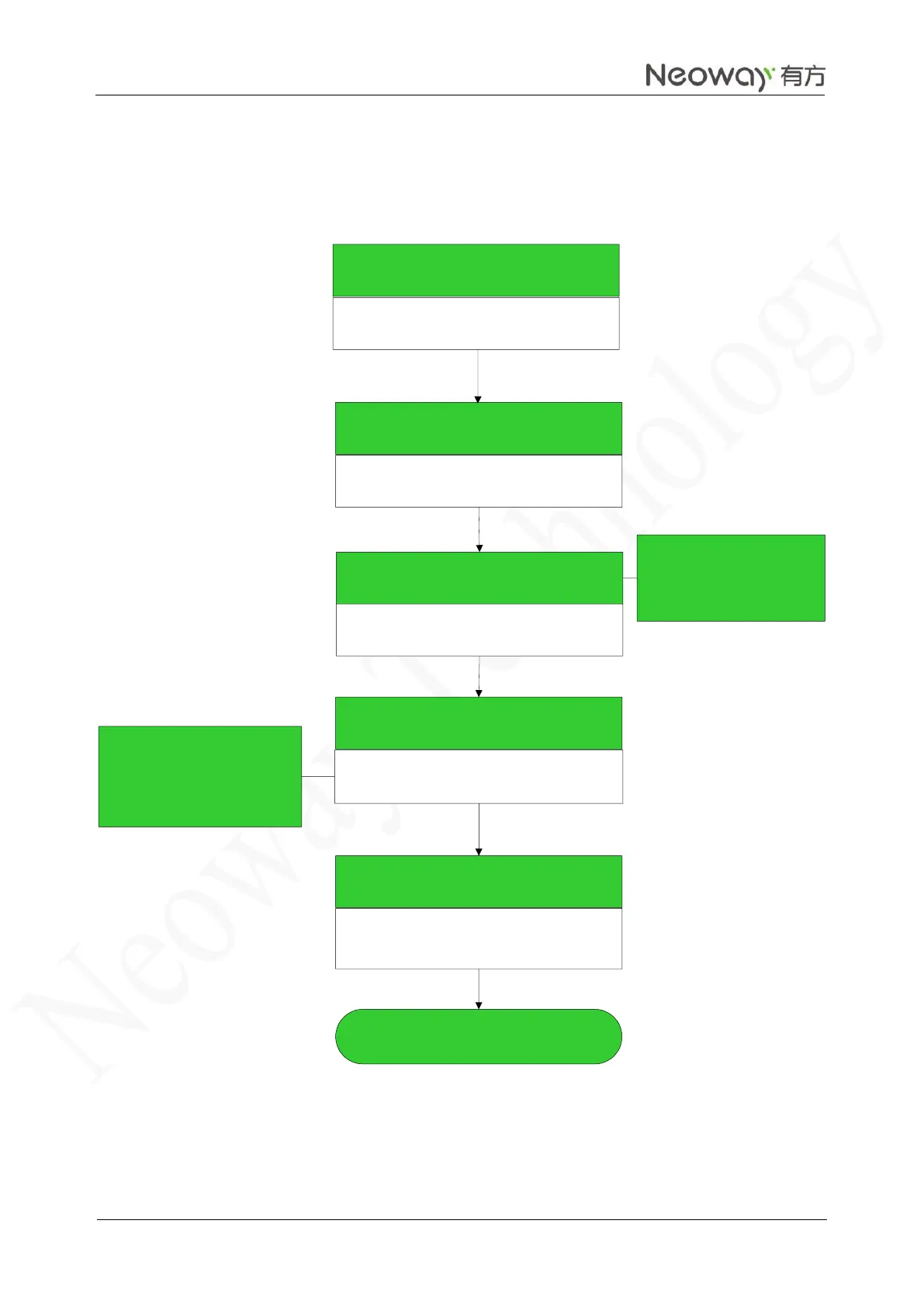
Set the text mode
AT+CMGF=1
OK
Configure the TE character set
AT+CSCS="GSM"
OK
Send an SMS message.
AT+CMGS="13430981508"
>
Content of the message to be
sent.
Shenzhen Neoway Technology
Return value
+CMGS: 116
OK
End
Enter Shenzhen Neoway
Technology and press
Ctrl+Z (character 0x1A) to
send the message.
Press Enter to send the SMS
message. When the > symbol
is displayed, you can send the
message.
Successful



 To Next Page