E-CoderBASIC Mode
E-CoderBASIC Mode applies when an E-CODER is connected to a TouchPad.
The E-CODER functionality is the same as a standard ProRead™ encoder; that is, the
odometer can be programmed with a field programmer to yield meter readings, from three
to six digits.
A specific ID number and user characters can also be programmed into the unit just like the
standard ProRead encoder.
Example 1
E-CODER Odometer-Cubic Foot dial for residential meters, ⅝ inch through 1 inch:
l Digit position six = one cubic foot position.
l This reading = 123,456 cubic feet (123,456.789 cubic feet).
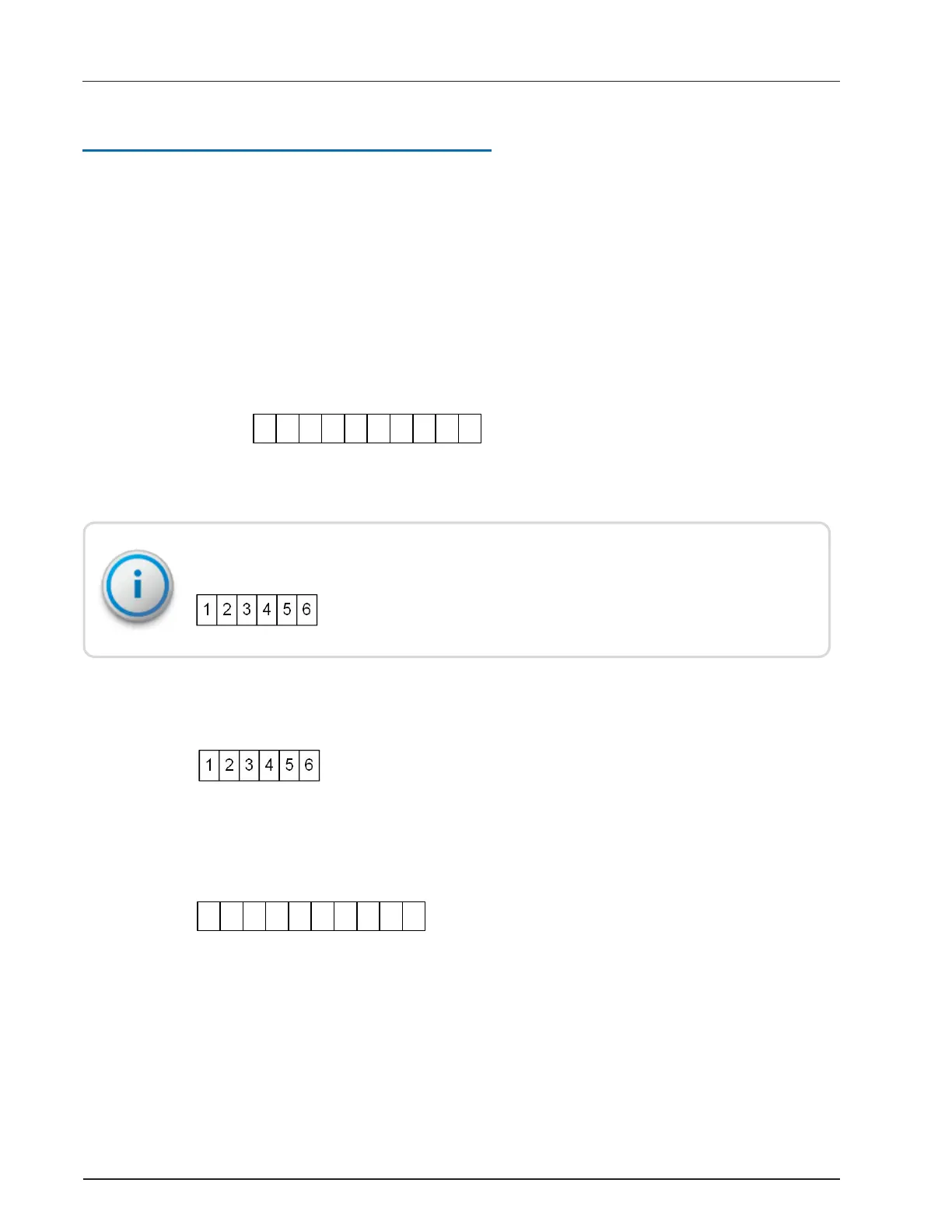
If programed as a six-digit meter reading, the interrogator and hand-held device displays:
After the handheld device is unloaded, the N_SIGHT host software database (dependent on
the number of dials, justification, and zero-fill setting in the N_SIGHT software setup). In the
following example , the number of dials is 6 displayed as:
Example 2
E-CODER (ARB VII) Odometer-Gallon dial for residential meters, ⅝ inch through
1 inch.
l Digit position six = 10-gallon position.
l Digit position seven = one-gallon position.
l This reading = 1,234,567 gallons (1,234,567.89 gallons).
R900
®
Belt Clip Transceiver Users' Guide 21
Appendix A: N_SIGHT
®
Meter Reading and Override


 To Next Page