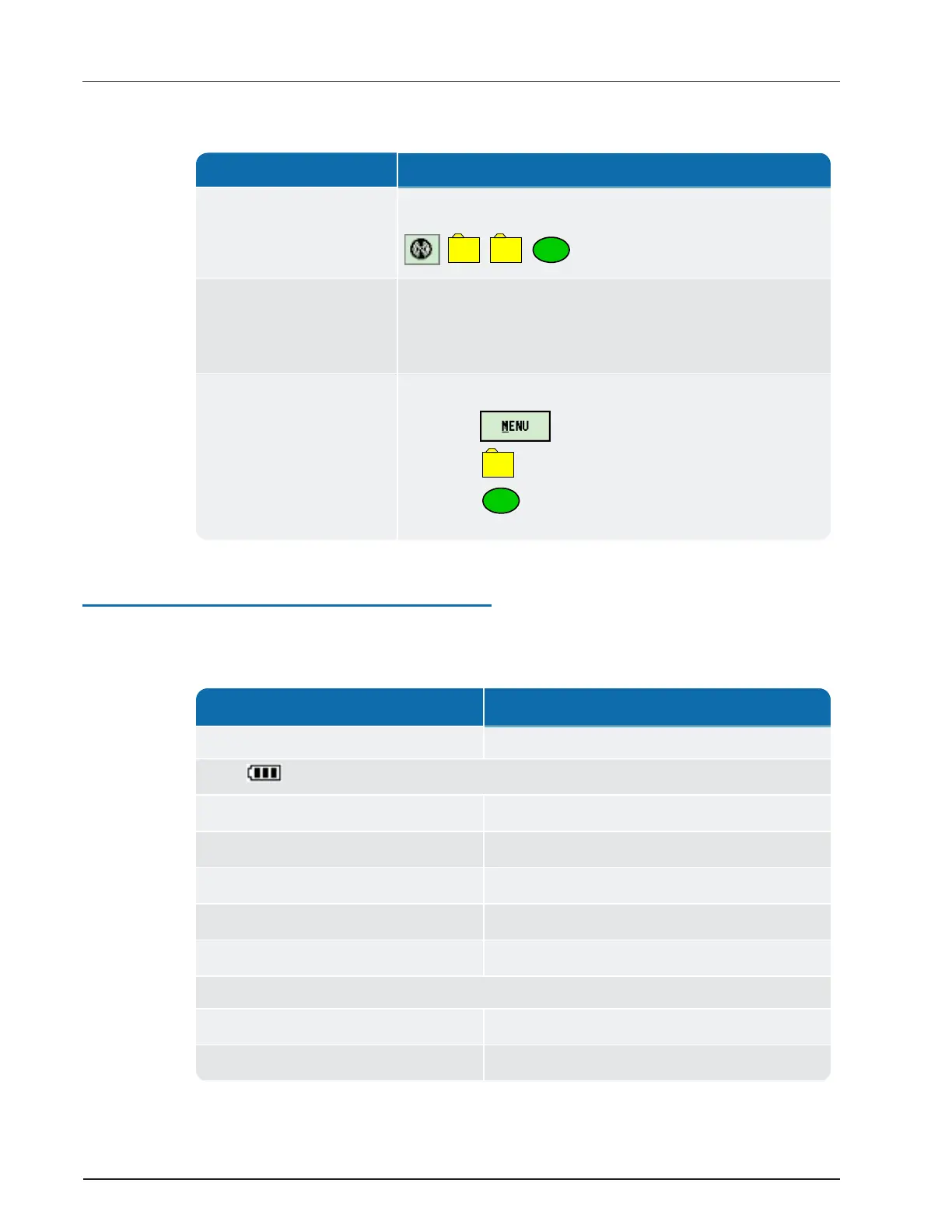
Function Description
While in Route
Neptune Key, System, UTILS, AMR Status =
,
1. Select the Advanced Options.
2. Select the check box.
3. Select Belt Clip Status.
From the Synchronize
screen
1. Press Tab twice.
2.
Select .
3.
Select
Table 3 – R900
®
BCT Software Functions
Understanding the R900
®
BCT LED Operating Modes
The following table defines the different colors for the flashing Mode LED.
State
LED Colors
Unit powered OFF No color; LEDs off.
Power
On-Battery 100% – 31% Green.
On-Battery 30% – 16% Yellow.
On-Battery 15% – 6% Red.
On-Battery 5% – Critical Flashes red.
Battery – Charging Flashes yellow.
Mode
Normal mode Green.
Unattended mode Yellow.
Table 4 – R900
®
BCT LED Operating Modes
R900
®
Belt Clip Transceiver Users' Guide 5
Chapter 2: Using the R900
®
BCT


 To Next Page
 Loading...