Saturn B – Chapter 2. Operation 2.13
Active Alarms
General
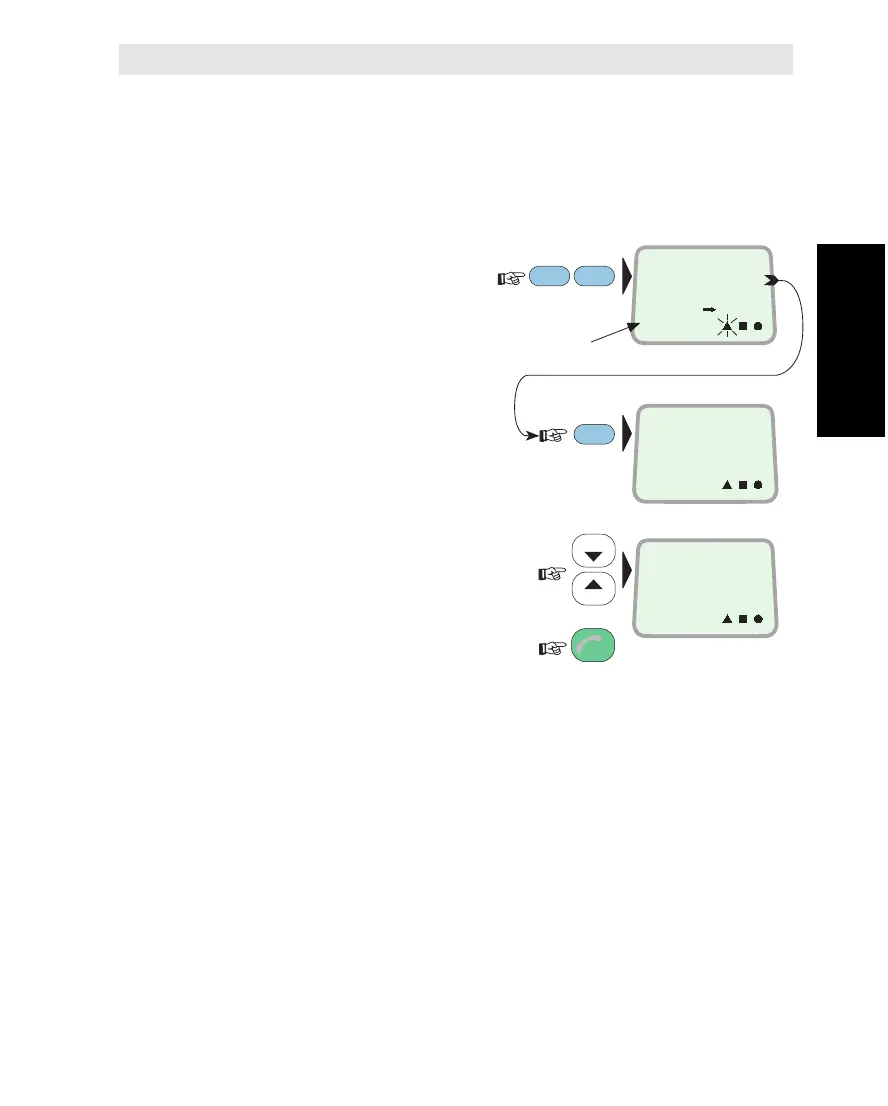
The triangle indicator in the display flashes when an alarm condition
occurs, or when an important message has been received. The
indicator stops flashing once the alarm has been read.
Procedure
1Read the message:
2Check when it occurred:
3Several alarms may have been
activated. Scroll through the list:
(The latest message appears first)
and revert:
Note!
Messages may also be read using the ACTIVE ALARM function
no. 30.
Non-alarm messages are removed when deactivating the function.
For logs and listing of alarms, see next page.
Comments to the various alarms are given in appendix D.
ON
SHIFT
ENTER
ESC
LIST
LIST
ON
MORE/
HELP
ON
Message ref. no.
ACU ALARM
FAILURE
7
1997. 10. 16
11 : 41 : 19
STAND ALONE
LES USED
11
Active Alarms



 To Next Page