Saturn B – Chapter 2. Operation 2.1
Idle Mode
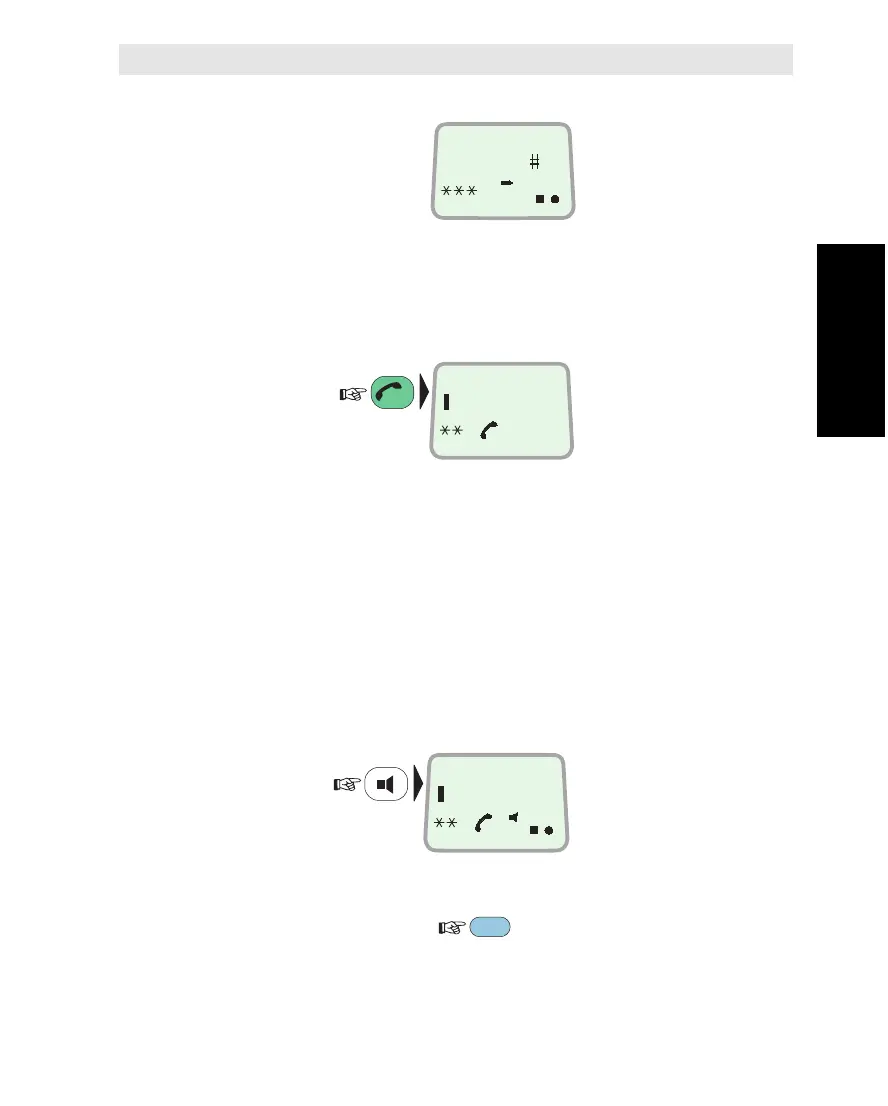
The following message
appears in the display
when in IDLE mode:
Hook ON/OFF
The combined HOOK ON/OFF and ESCAPE key toggles the hook
switch:
Beeps in the Handset
Before contact is established with the selected LES beeps indicate
attempts.
Loudspeaker
When off-hook the loudspeaker key toggles the Display Handset
loudspeaker ON and OFF:
When the loudspeaker is ON, the handset microphone is OFF and
the Push-To-Talk key must be kept pressed while talking and re-
leased while listening:
Chapter 2. Operation
Using the Display Handset
Using the Display Handset
ESC
DIAL NO.
LES
PTT
DIAL NO.
ON
DIAL 00+INTL
TEL.NO.+
ON



 To Next Page