Saturn B – Chapter 2. Operation2.2
Using the Display Handset Cont’d
Using the Display Handset
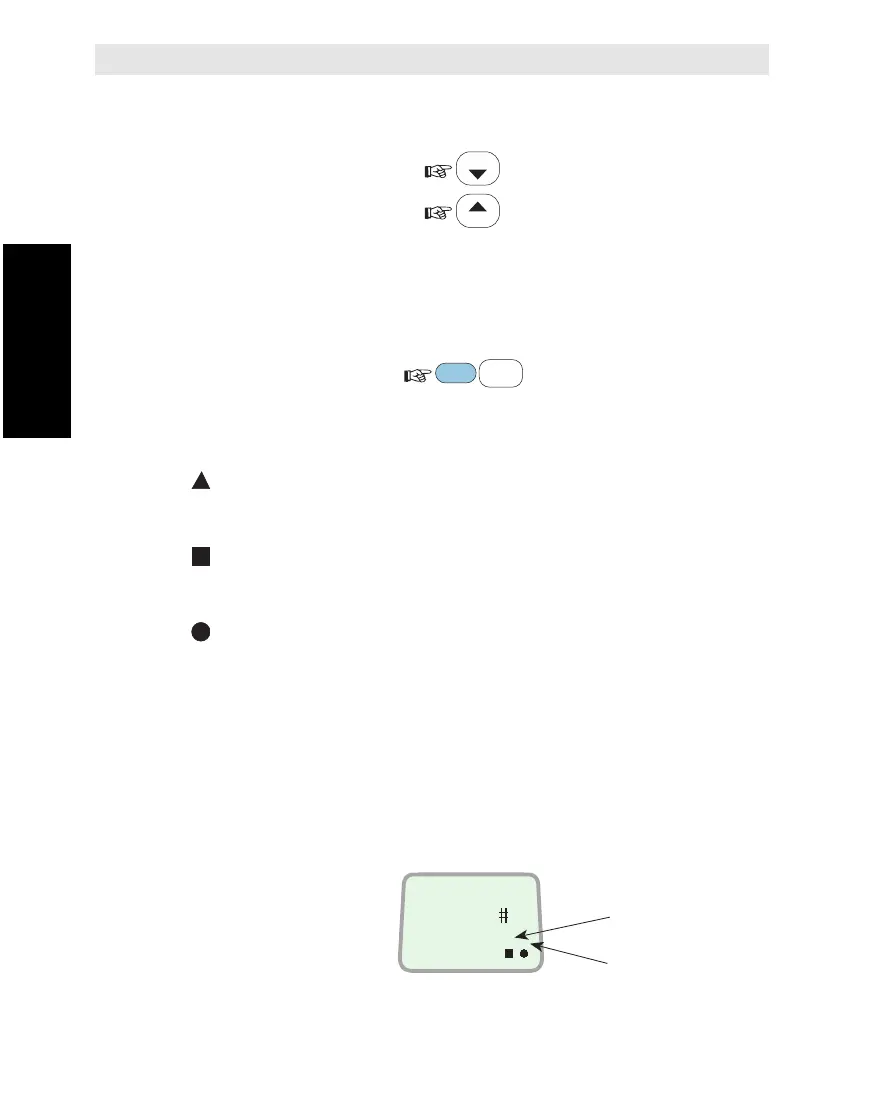
Volume Control
The received volume in the Display Handset may be adjusted during a call:
•Reducing the volume:
•Increasing the volume:
The volume is reset when clearing the call.
Light in Display and Keys
Illumination of the display and keys is turned on and off as follows:
Indicators on the Display Handset
flashes when receiving important information or an alarm.
The indicator stops flashing once an alarm has been read:
press SHIFT+ENTER, or see "Active Alarms".
flashes when receiving a call to SaturnB Display Handset.
The indicator stops flashing when the call is established and
remains displayed until the call is cleared.
displayed steadily as long as SaturnB remains synchronized
with the Land Earth Station (LES), or Network Coordinating
Station (NCS). The indicator flashes slowly when no one is
talking from the remote end during a call.
SHIFT or ALPHA
The functions marked red on the keypad may only be activated when
the SHIFT indicator is displayed.
The keypad letters may only be activated when the ALPHA indicator
is displayed.
SHIFT and/or ALPHA are automatically deactivated when reverting to
IDLE mode.
LIST
LIST
SHIFT
9
LIGHT
YZÆ
DIAL 00+INTL
TEL.NO.+
ON
SHIFT
ALPHA
SHIFT
ALPHA



 To Next Page