Saturn B – Chapter 2. Operation 2.3
Using the Display Handset Cont’d
Using the Display Handset
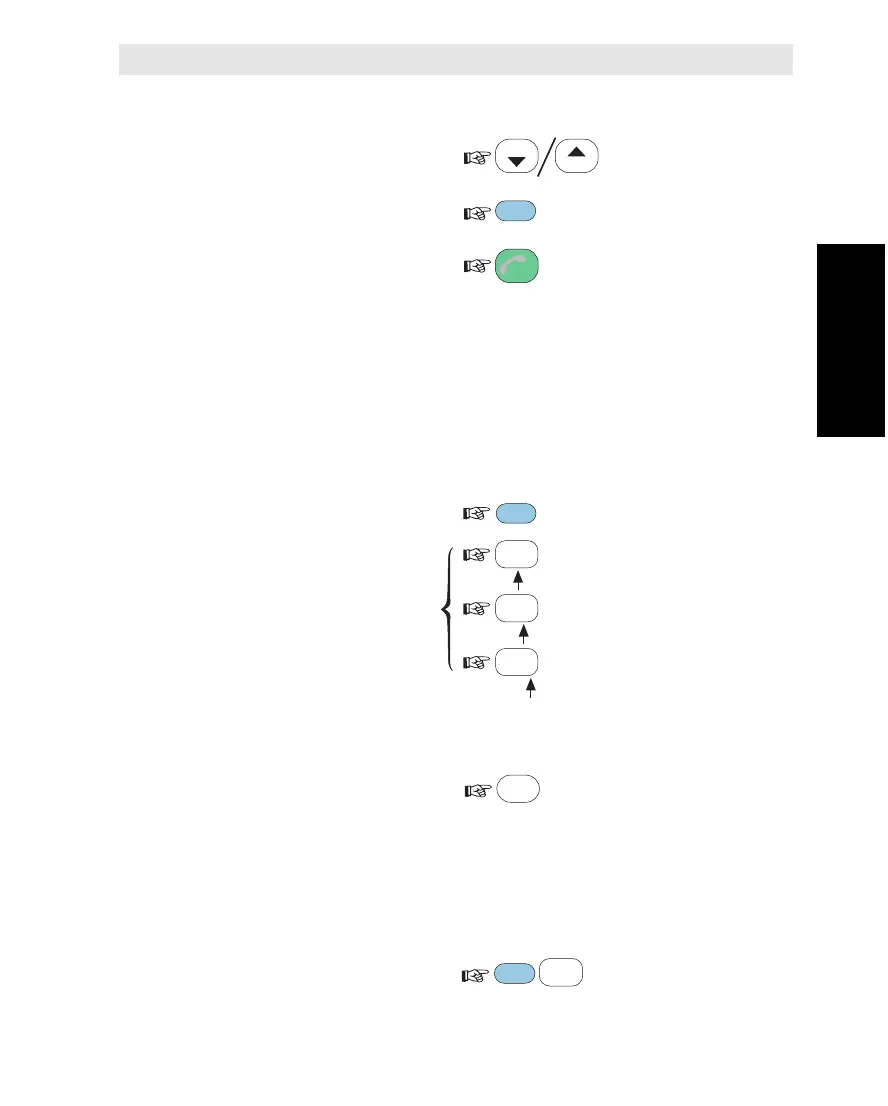
Moving about in the Display
To scroll up/down through
functions or choices:
To move to next choice
or enter the selected one:
To move back to previous
position or display:
Note! Entered changes
are lost when pressing ESCAPE.
Keying Letters
The letters on the keys are accessible when having pressed the
ALPHA key. Each key carries several letters that are entered succes-
sively as follows:
• Set keypad in
alphanumeric state:
• Press and hold the
required key until the
wanted letter appears
in the display:
Deleting an Entry
To delete entry (to the
left of the cursor):
Service Dialing (During Call Only)
The Display Handset can be used for keying in the numbers for e.g.
bank services, voice letters etc., using tone signalling (DTMF).
Before keying in the numbers required by the service, press:
Note! Service dialing is
not supported by all LESs.
LIST
LIST
ENTER
ESC
1
ABC
1
ABC
1
ABC
ALPHA
DEL
SHIFT
0
ÄÖÜ



 To Next Page