38
Nera WorldCommunicator
GETTING STARTED
Enabling/disabling the DECT station
In some cases it may be desirable to turn off the
DECT base station:
• In countries that do not permit the use of the
particular DECT phone frequencies.
• In order to save battery capacity.
Enabling/disabling the DECT function switches the
built-in DECT On/Off.
When the base station is off, the DECT handsets
cannot be operated.
Procedure:
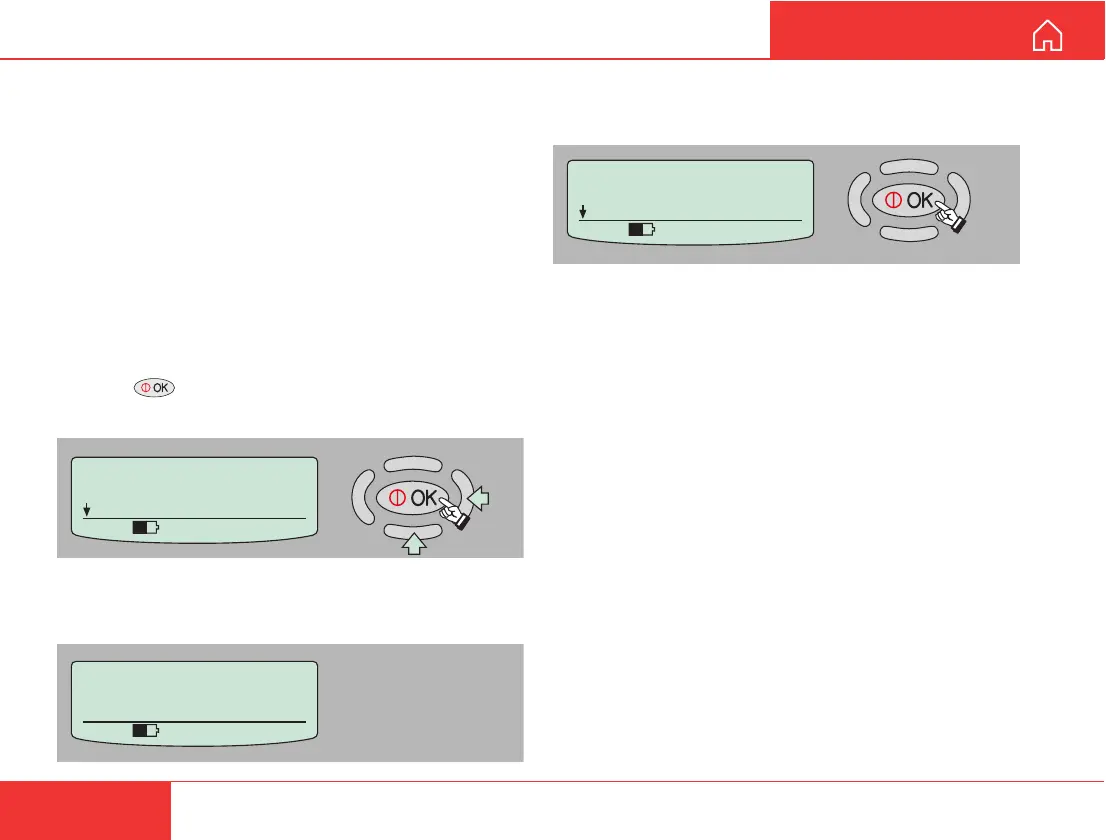
1 Press on the Nera WorldCommunicator to
enter the MENU, and scroll down to Disable DECT.
2 Pressing “right arrow” turns On (or Off) the DECT
base station.
DISPLAY FUNCTIONS CONT’D
MENU
> Disable DECT
Self Test
535 09:46
Starting DECT
Basestation
535 09:46
MENU
> Enable DECT
Self Test
535 09:46
3 If enabling the base station, the Nera
WorldCommunicator responds with “On”.



 To Next Page