30
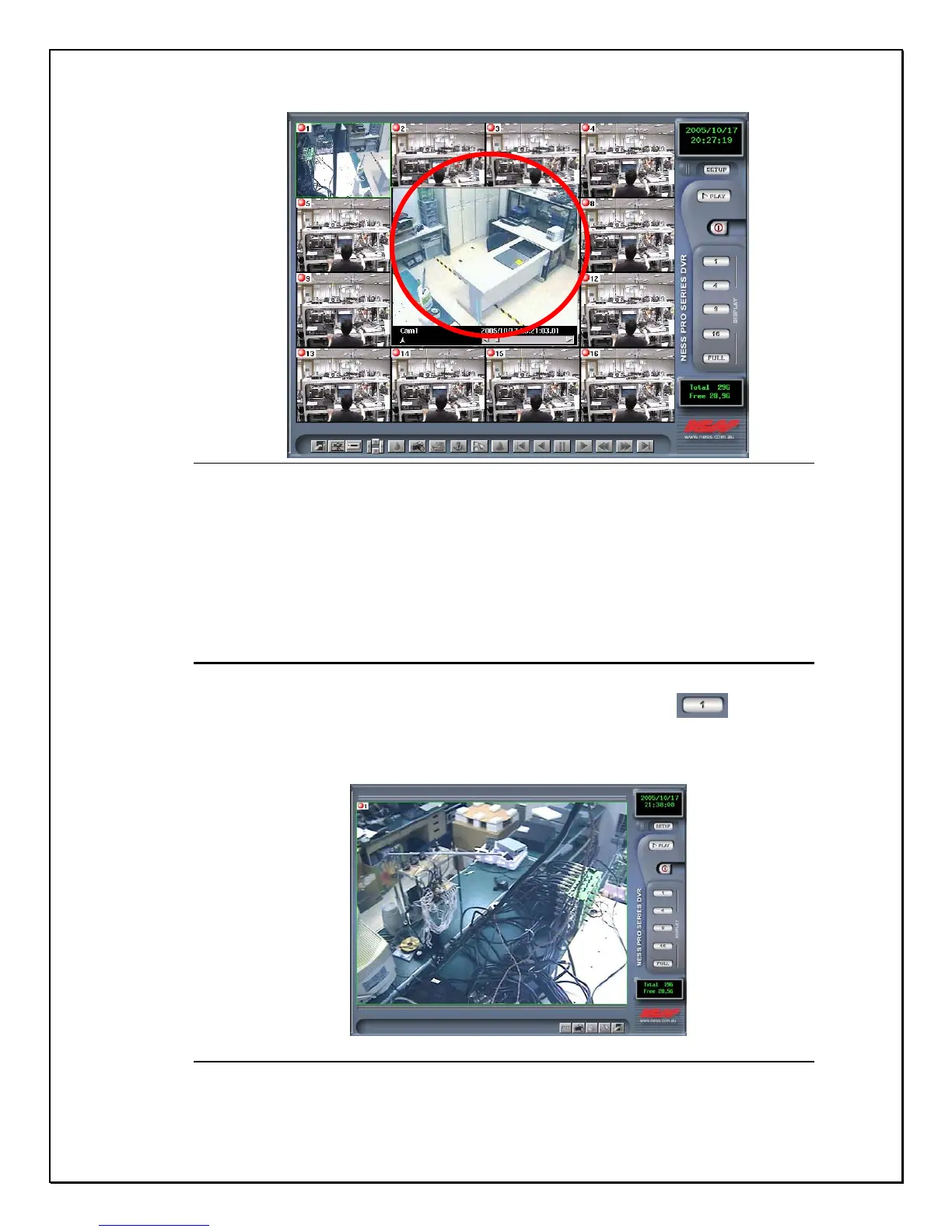
Figure 3-3: The Playback Screen
Clicking on separate “files” within the playback folder will display prerecorded
data from its hard drive. The first window is the database log. See the chapter on
“Viewing Playback images on your PRO 16/8 RAID DVR” much later in this
manual.
Single View Camera Screen
1. Step 1: Click the single view camera icon on the right-side toolbar…
2. Step 2: Select a camera from the main screen and click the Single View Camera mode.
The image will expand to single view mode (As shown below)
Figure 3-4: The Single Camera View Screen



 To Next Page