32
Depending how your system is configured, the DVR can be configured to display
nine separate cameras at 6-second intervals. This can be configured in the main
Settings Panel. This will be covered later in this manual.
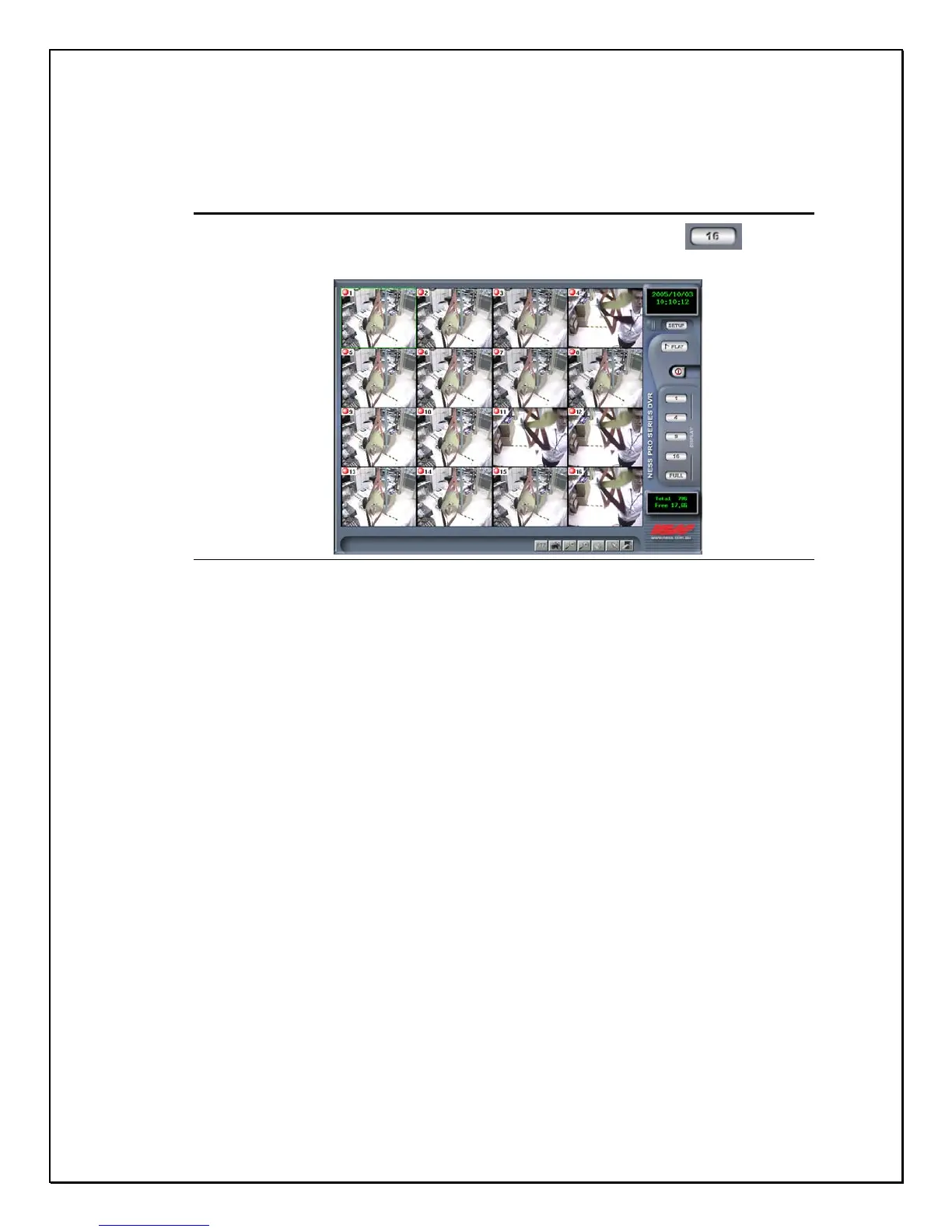
16 – Camera View Screen (only for PRO 16/2 DVR + CD-RW(4U))
1. Step 1: Click the 16 - Camera view icon on the right-side toolbar…….
2. Step 2: The screen will display sixteen cameras in one screen.
Figure 3-7: The Sixteen-Camera View Screen



 To Next Page