55
Printer Setup
Please refer to Chapter 14
Backup Config.
In this section: you are able to perform a back up copy of the system
configuration files, this greatly aids in the reprogramming of the DVR in the event
of failure occurring or if the system requires to be set back to Factory Default due
to unknown Admin password entry. The configuration files may also be recopied
to allow quick setup of multi-DVR systems and supports a variety of user-
selectable back-up devices, CD-RW or Memory Card.
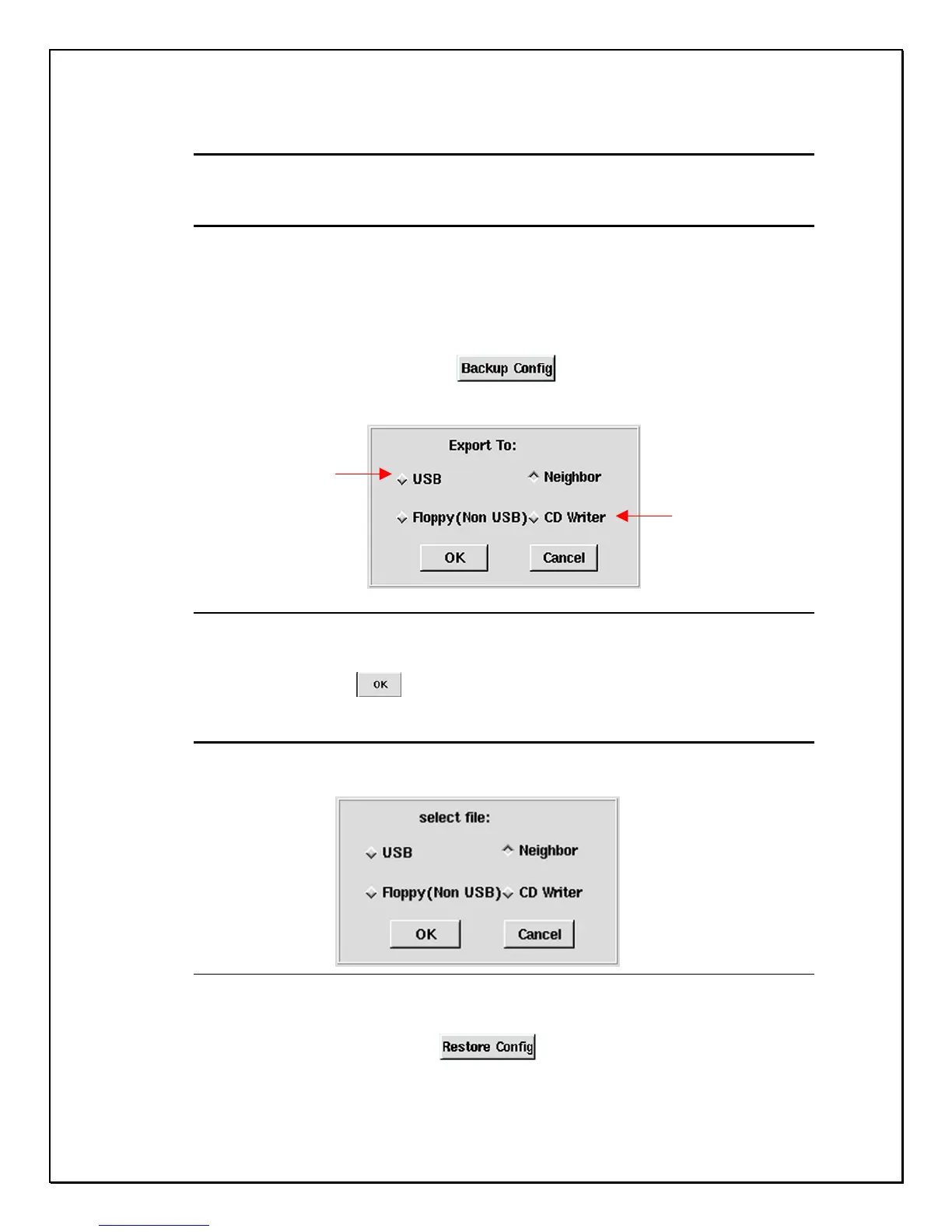
1. Click on “Backup Config”…
2. The list of back-up device selection to Export will be displayed.
Figure 7-3: Back up devices selection
3. Select the desired back-up device
4. Click “OK”…..
Restoring settings from the Back-up device
The DVR system can restore the system configuration settings from the back-up
device. The system supports different (user-selectable) back-up devices.
Figure 7-4: Restore devices selection
1. Click on “Restore Config”. ……..
2. The list of back-up device selection to Export will be displayed.
3. Select the device required.
Card Reader
Backup
Internal / External
CD-RW backup



 To Next Page