Business HSI Basic Installation
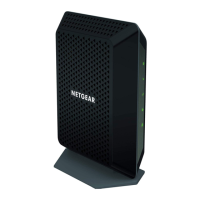
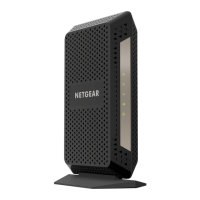
NETGEAR 7550
Technical Reference Guide v2.0
22
Public LAN Configuration, Continued
(continued)
Step Action
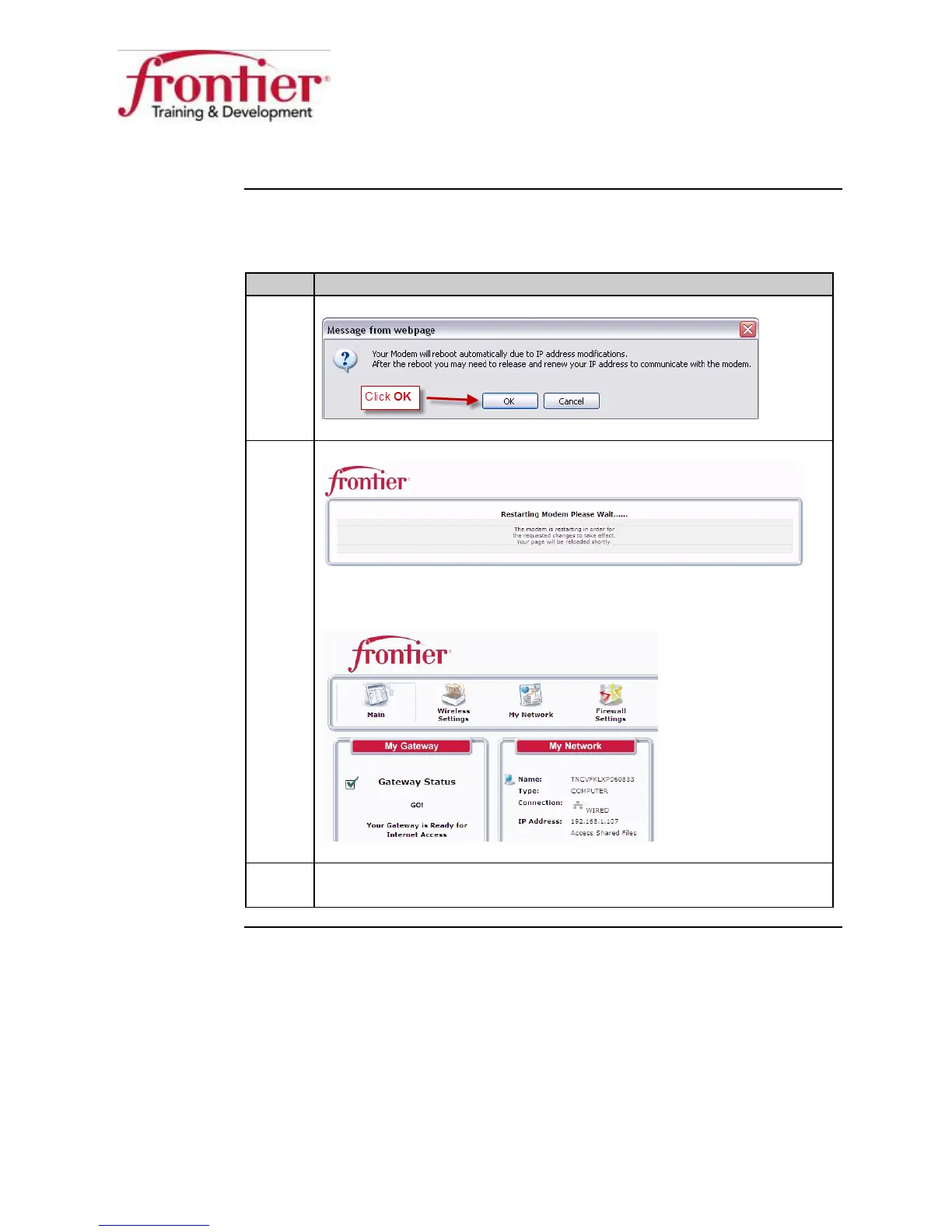
7 Click the
button on the warning.
8 Wait while the modem restarts.
Result: The modem restarts and displays the Main screen after
restarting. The Public LAN is ready for use.
9 Leave the web browser open and continue to the next section.


 To Next Page