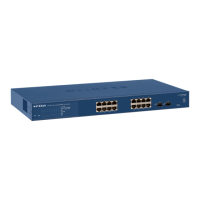
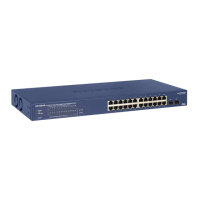
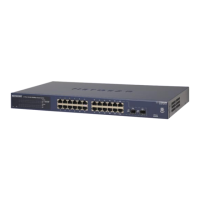
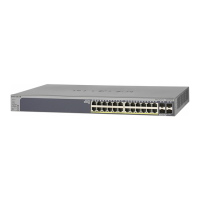
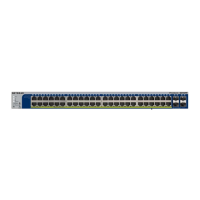
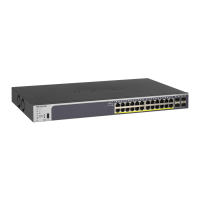
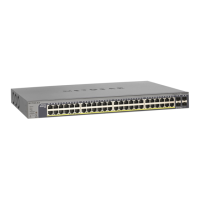
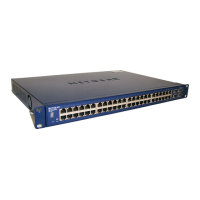
Figure 1.2: Switch forming a LAN with an internet gateway
1.7.1 Implementation
Only a standard network is required with the switch only performing the function of a plug-board into
which the network components are physically connected.
The simple rule (which cna be broken as shown in Section!2.1.2) is on a LAN, the network address of
all connected devices should be the same. The wireless extender was configured to act as a repeater;
the hardwired and wireless LANs had the same network address. It provided connection between the
hardwired LAN contained by the switch to the wireless network which contained the Internet connec-
tion. The Internet connection had the address 192.168.8.244. In the /etc/network/interfaces
file on the PC, the gateway address was set as 192.168.8.244 and then the PC restarted. From the
PC, Internet connection could be demonstrated.
An alternate to the above procedure might be to change the gateway address of the switch and leave the
gateway address of the PC pointing somewhere else. The switch gateway was set to 192.168.8.244
using the System > Management > IP Configuration command menu sequence on the switch.
When this gateway address was filled in, and pressing the Apply button on the switch command page,
the PC could not access the Internet.
1.8 Warnings
• Don’t remove the control port from VLAN 1. If you do, then use the Reset button on the switch
to restore the switch. So never use the Remove All option in the Group Operation of the VLAN
Configuration for VLAN 1.
• Dynamic address assignment using DHCP (Dynamic Host Configuration Protocol) is not used.
Only static/direct address assignment is used in all the work here.
• The address of the switch must not be on a VLAN which is to be routed.
7



 To Next Page
 Loading...