1.5. Basic control of the switch itself
The devices shown in Table 1.2 on the two networks are divided into two groups. The computers were
used to configure the switch and test the behaviour of the resulting network. The printer and NAS
acted as target addresses for testing the network. The wireless extender was used as an additional target
address together with providing hardware coupling of the hardwired ethernet to the wireless network
containing the Internet interface, which also provided additional address targets. The DSL-2900AL
Viper router was part of the wireless network and not directly connected to the switch.
The examples will show the usefulness of the switch comes from it being able to change relationships be-
tween connected devices without physically changing the connections. For example, without changing
the physical connections to the network, the behaviour of this hardwired/wireless network is changed
by re-configuring the switch.
1.5 Basic control of the switch itself
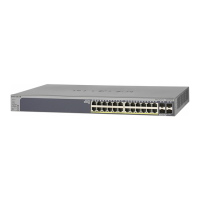
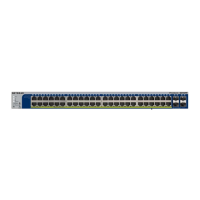
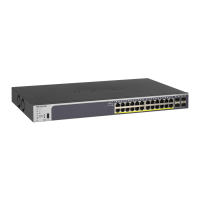
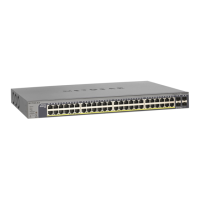
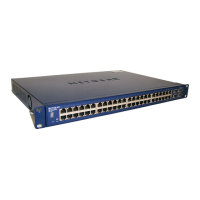
The Netgear GS724Tv4 switch has network parameters which can be reset from their default values.
Values selected for these parameters influence access to the switch and behaviour of the network formed
using the switch. The network devices plugged into the switch ports form the network elements, but
the switch is an active media connecting those devices.
1.5.1 Access to the switch
Control of the switch is menu base accessed through a web browser. This menu system is only accessible
after logging into the switch.
The menu sequence
System → IP Configuration
enables the address of the switch, its network mask, and gateway can be reset. Assume the network
address was assigned here to 192.168.8.155, replacing the default switch address. The network
mask assigned here appeared not to have any effect.
In a LAN-based network, the switch can only be logged into from a device having the same network
component of its address as the address of the switch. For example, a device with address 192.168.8,
7 can log into the switch with address 192.168.8.155, but a device with address 192.168.14.10
cannot.
1.5.2 VLAN
A basic unit for the switch is a Virtual LAN or VLAN. Devices connected to the ports on the switch
are assigned to one or more VLANs. This port/VLAN correspondence can be configured. A device
assigned to a VLAN behaves within the behaviour characteristics configured for that VLAN.
All ethernet ports of the switch are Untagged (U) members of VLAN 1 by default. However only devices
with the same network component of their address can communicate. For example address 192.168.
14.9 can ping address 192.168.14.107 but not 192.168.8.7.
The menu command sequence
Switching → VLAN → Advanced → VLAN Membership
accesses the port connections on a VLAN. Clicking the box under a particular port number through the
sequence U → blank → T changes the type of connection between the VLAN and the port. The blank
5



 To Next Page
 Loading...