Manage Your Network
93
AC750 Wireless Dual Band Gigabit Router R6050
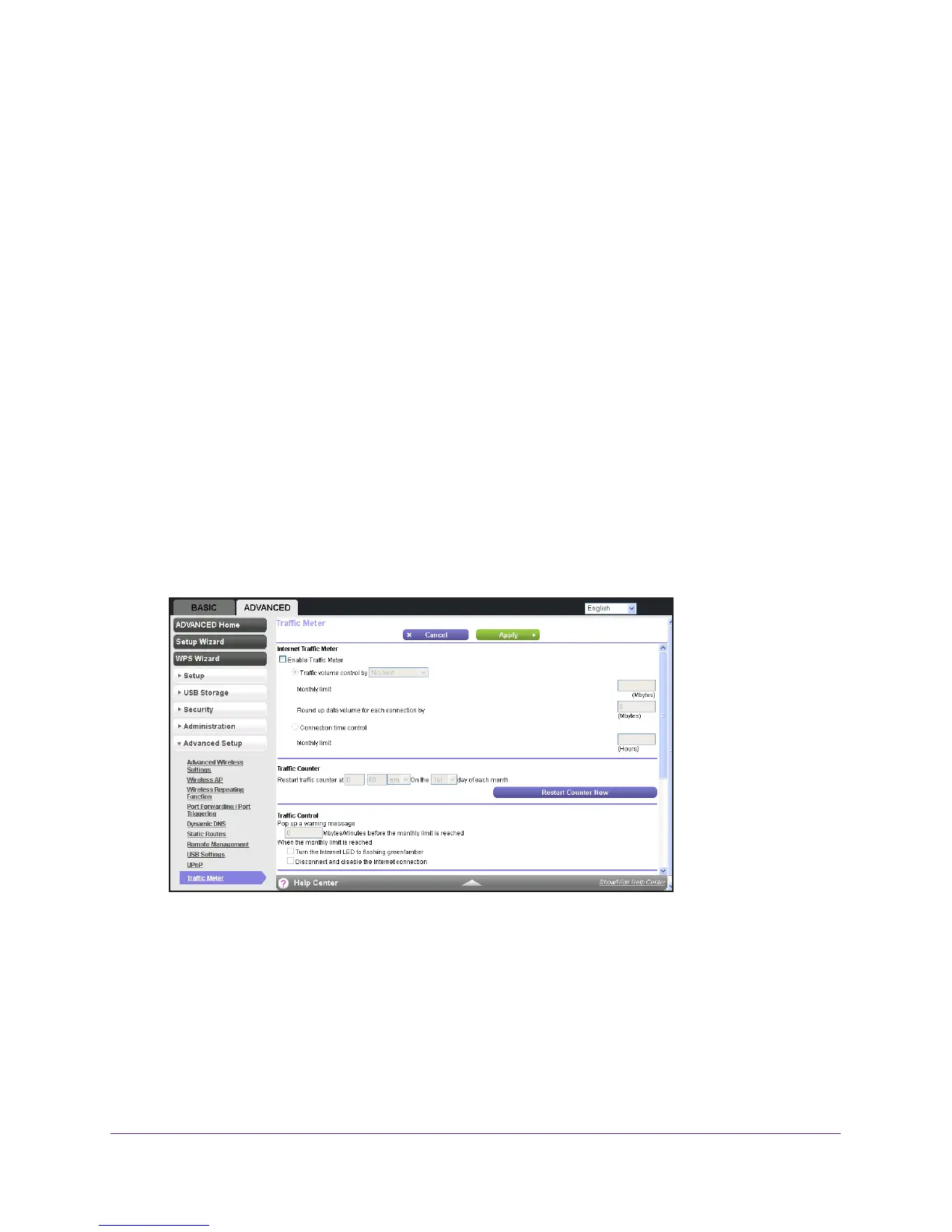
9. In the Traffic Control section, specify whether a warning message is issued before the
monthly traffic limit of MB or hours is reached.
By default, the value is 0 and no warning message is issued.
You can select one of the
following to occur when the traffic limit is reached:
• The Internet LED blinks green or amber.
• The Internet connection is disconnected and disabled.
10. Click the Apply button.
Your changes are saved.
To continue monitoring Internet traffic after the initial setup:
1. Launch a web browser from a computer or WiFi device that is connected to the network.
2. Enter http://www
.routerlogin.net or http://www.routerlogin.com.
A login screen displays.
3. Enter the router user name and password.
The user name is admin.
The default password is password. The user name and
password are case-sensitive.
The BASIC Home screen displays.
4. Select ADV
ANCED > Advanced Setup > Traffic Meter.

 To Next Page
 Loading...