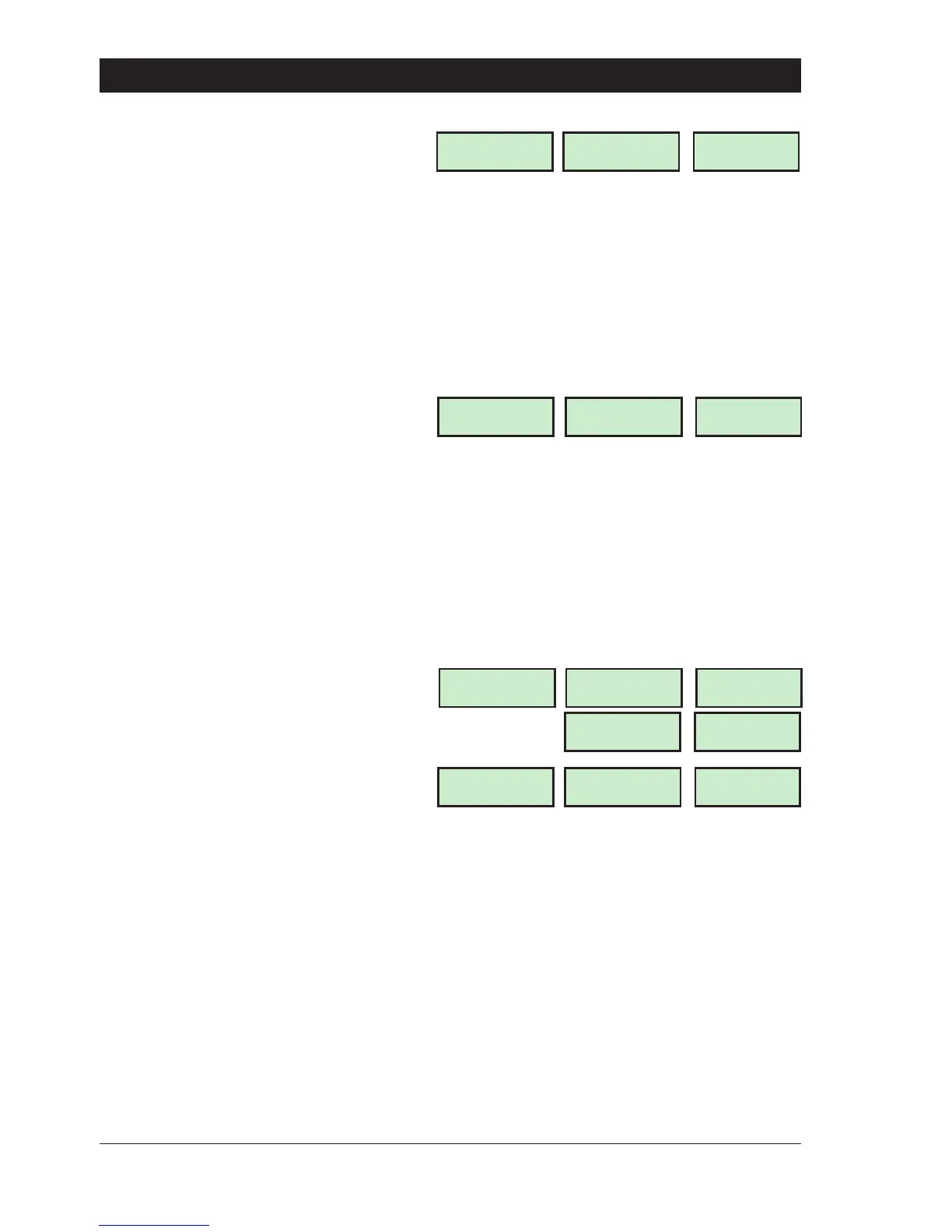
1. Ensure that "User menu 1" is selected.
Press 5 to select the En able Chime option.
The display will show:
2. Select the chime option by pressing:
0 Enabled/Disabled
1 Disabled (OFF)
2 Enabled (ON 1)
3 Enabled in P.Set (ON 2)
4 Enabled in Unset (ON 3)
5 Enabled o/p A On (ON 4)
B Toggles between options 1 - 5
e.g., to disable the "Chime" feature
press "1", the display will show:
3. When the display shows the required
setting press [ to accept. The display will
automatically return to "User menu 1".
Omit 24 Hour Group - [1. 6]
Theinstallationcompanyormasterusermaygrouptogetherdetectioncircuittypes24Hourand
Auxiliary so that they can be omitted when the system is unset. This menu option allows the user
to temporarily omitthe circuits thathave been assigned in the 24 Hourgroup.Thiswillallowthem
access to the areas that are protected by 24Hr and Auxiliary type detection circuits, e.g.,
Loading bay doors, Fire Doors, etc.
1. Ensure that "User menu 1" is selected.
Press 6 to select the Omit 24 Hour Group
option. The system remains unset and the
display will show:
2. To re-reinstate the 24 hour Group repeat
step (1). Thedisplay showthe "SYSTEM OPEN"
message.
+
If a low tone is generated when this menu option is selected then no detection circuits
have been assigned to the "24 Hour Group"
Omitting Circuits - [1.7 ]
Sometimes it may be necessary to omit detection circuits when setting or part-setting the
system. This allows the user access to the omitted area(s) when the system is set or part-set. It is
also possible to omit 24hr or Auxiliary circuits so that access to these areas can be obtained
when the system is unset.
When the alarm system is unset or when a user passcode is entered, "Night" detection circuits
that were selected as omitted are automatically re-reinstated.Only detection circuitsthat have
been programmed by the installation company as "Omit" may be selected when using this
menu option.
20
User Menu 1 TS790 & TS90 0 User Manual
Chime ccts are
Disabled
OFF
OFF
ON 1
Starburst
ON 1
LED
Chime ccts are
Enabled
LCD
CIRCUITS
Starburst
CCTS
LED
CCTS ISOLATED
08:30 Sun 28 APR
LCD
OMITTED
ISOL
OPEN
OPEN
SYSTEM OPEN
08:30 Sun 28 APR



 To Next Page