Configure Wards - [2.8]
The TS790 & TS900 can be split into four wards:
»
System Ward (S)
»
Ward A
»
Ward B
»
Ward C
Each ward can then be assigned to a passcode or part-set button to allow flexible part-set
arrangements. See “Part Set Groups” on page 39 and “Code Set Groups” on page 40.
Only “Night”, “Final Exit” and “Exit terminator” circuit types can be assigned to wards A, B and C.
Circuits can be assigned to more than one ward (A,B or C) thus creating overlapping areas.
Circuits that are assigned to more than one ward will only be armed when both or all wards are
set.
From the factory, all detection circuits are assigned to the system ward (i.e., they are not
assigned to wards A, B or C). Circuits that remain assigned to the system ward can also be set or
unsetindependently.See“PartSetGroups”onpage39and“CodeSetGroups”onpage40.
1. Ensure that “User menu 2" is selected.
Press 8 to select the Configu re Wards
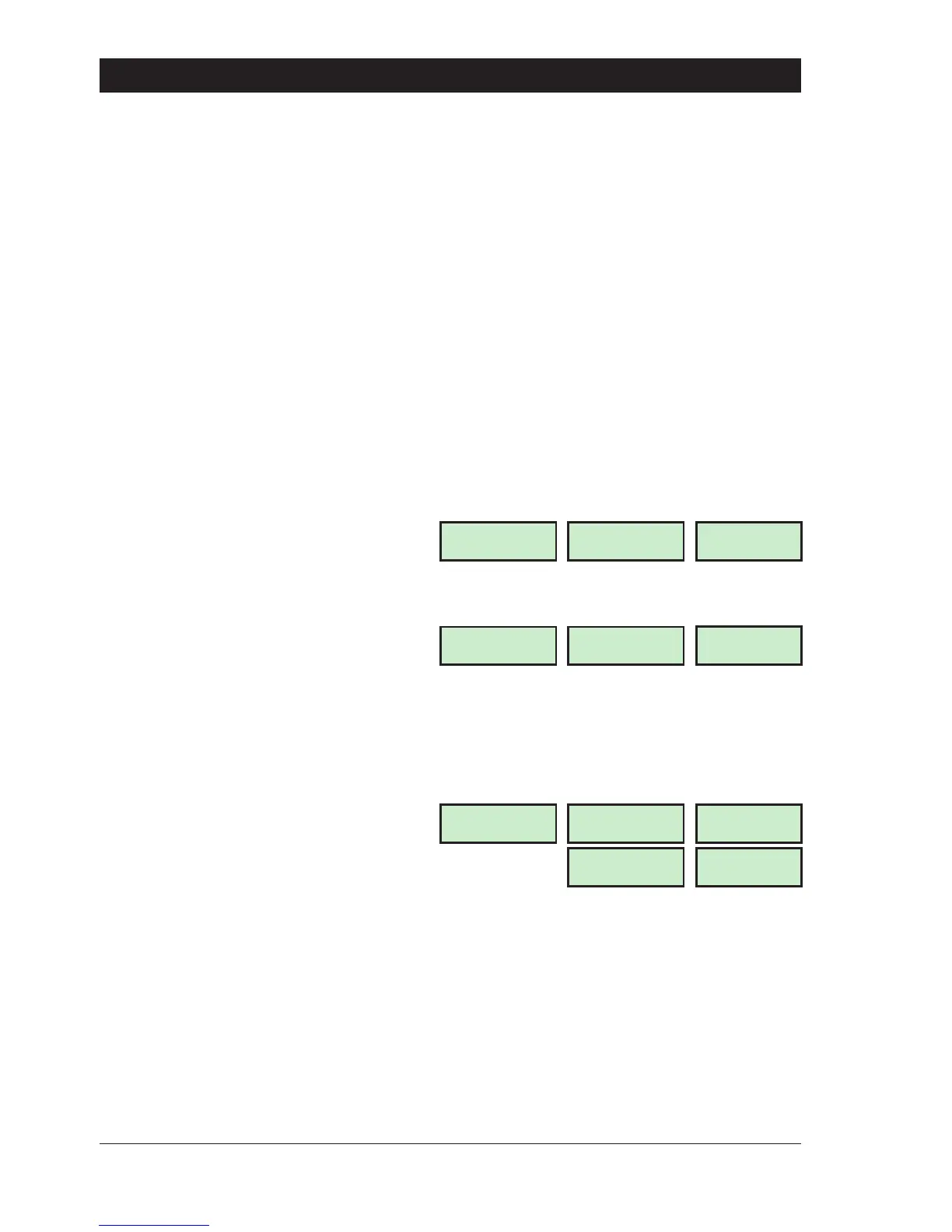
option. The display will show:
2. Enter the circuit number, e.g., for circuit
02 enter “02". The top line of the display
shows the circuit text (if programmed) and
the bottom line shows the wards that the
circuit are assigned to e.g.:
3. Select/de-select the wards by pressing:
A for “Ward A”
B for “Ward B”
C for “Ward C”
e.g., press “A” then “B” to assign circuit
02 to wards A and B. If a low tone is
generated when pressing the “A”, “B” or
“C”, then the selected circuit cannot
be programmed into wards.
4. Press[ toacceptandrepeatfromstep
2 for othercircuits, when finished press ] to
abandon this option and return “User
menu 2".
30
User Menu 2 TS790 & TS90 0 User Manual
Store Room PIR
CCT 02 in [AB ]
CCT 02-A
02-A
Configure Wards
Enter CCT No.>--
LCD
CCT 01-
Starburst
01-
LED
Store Room PIR
CCT 02 in [ ]
CCT 02-
02-
CCT 02-B
02-B



 To Next Page