User Menu 3
Introduction
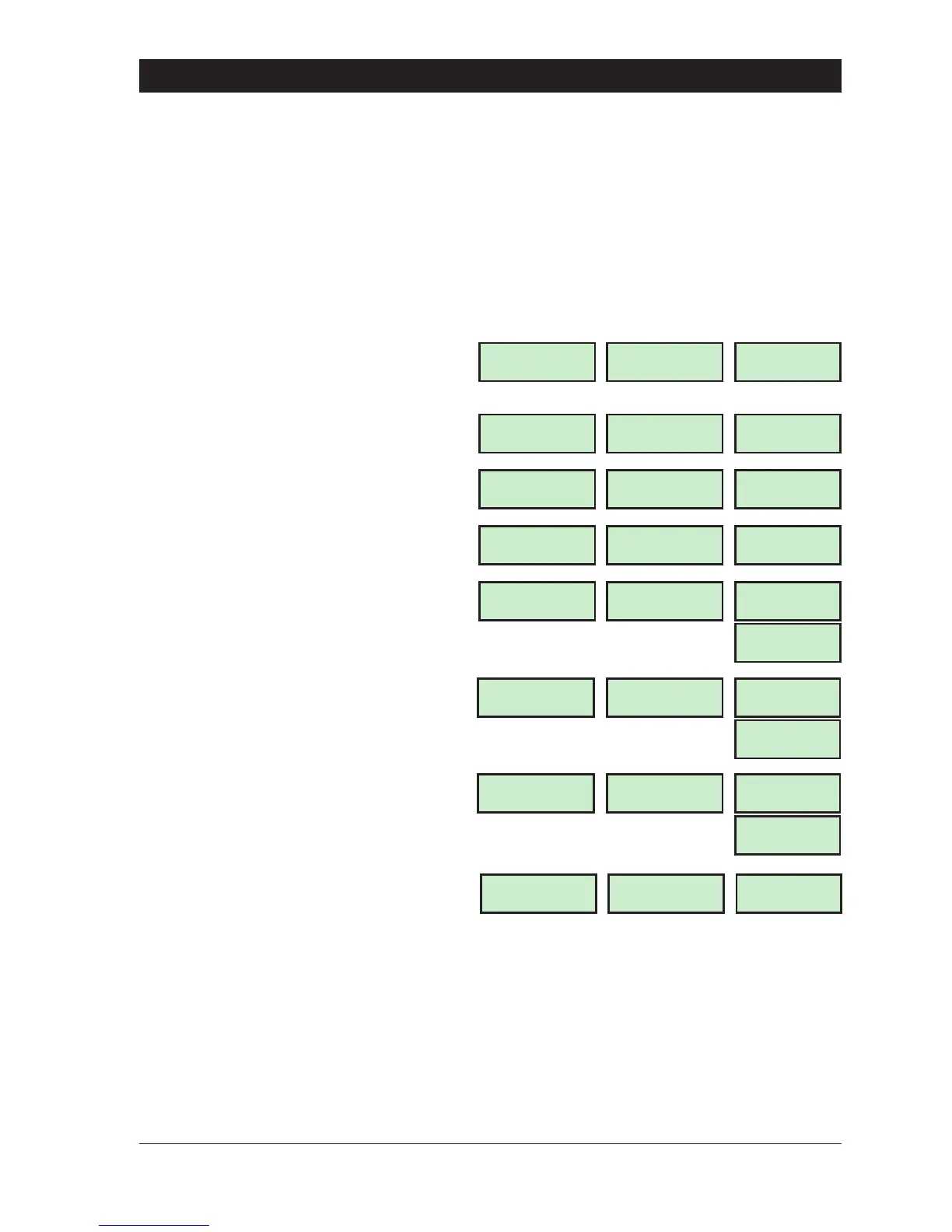
This menu is only available to master users and is selected by pressing the [ENT] button whilst
“Usermenu2"isselected. Therearesixmenu optionswithinthis menu,which maybe selected in
any order. The master user may leave this menu and return to ”User menu 2" by pressing [ESC]
button.
+
User menu 3 is only available if the installation company has programmed the master
users for full access.
35
TS790 & TS90 0 User Manual User Menu 3
User menu 3
Select Option :-
LCD
To select “User menu 3" first ensure “User menu
2" is selected, then press the [ key. The
display shows:
USER 3 -
Starburst
3 -
LED
Time Switch A
Select Option :-
1 = Time Switches (page 36)
TIMER.A-
TS
.
A-
Part set Group ?
Enter Group > -
2 = Part Set Groups (page 39)
P.S GRP -
PSG
.
-
Code set Group ?
Enter Group > -
3 = Code Set Groups (page 40)
C.S GRP -
CSG
.
-
Edit Text For
User No. > --
4 = Users Name (page 41)
Edit Text For
Part set Group ?
5 = Part Set Group Text (page 41)
Edit Text For
CCT ?
6 = Circuit Text (page 42)
USE 16x2
USE
LCD
USE 16x2
USE
LCD
USE 16x2
USE
LCD
No Activity from
Press ESC to end
3 = View Inactive Circuits (page 43)
x NONE x
NONE



 To Next Page