1
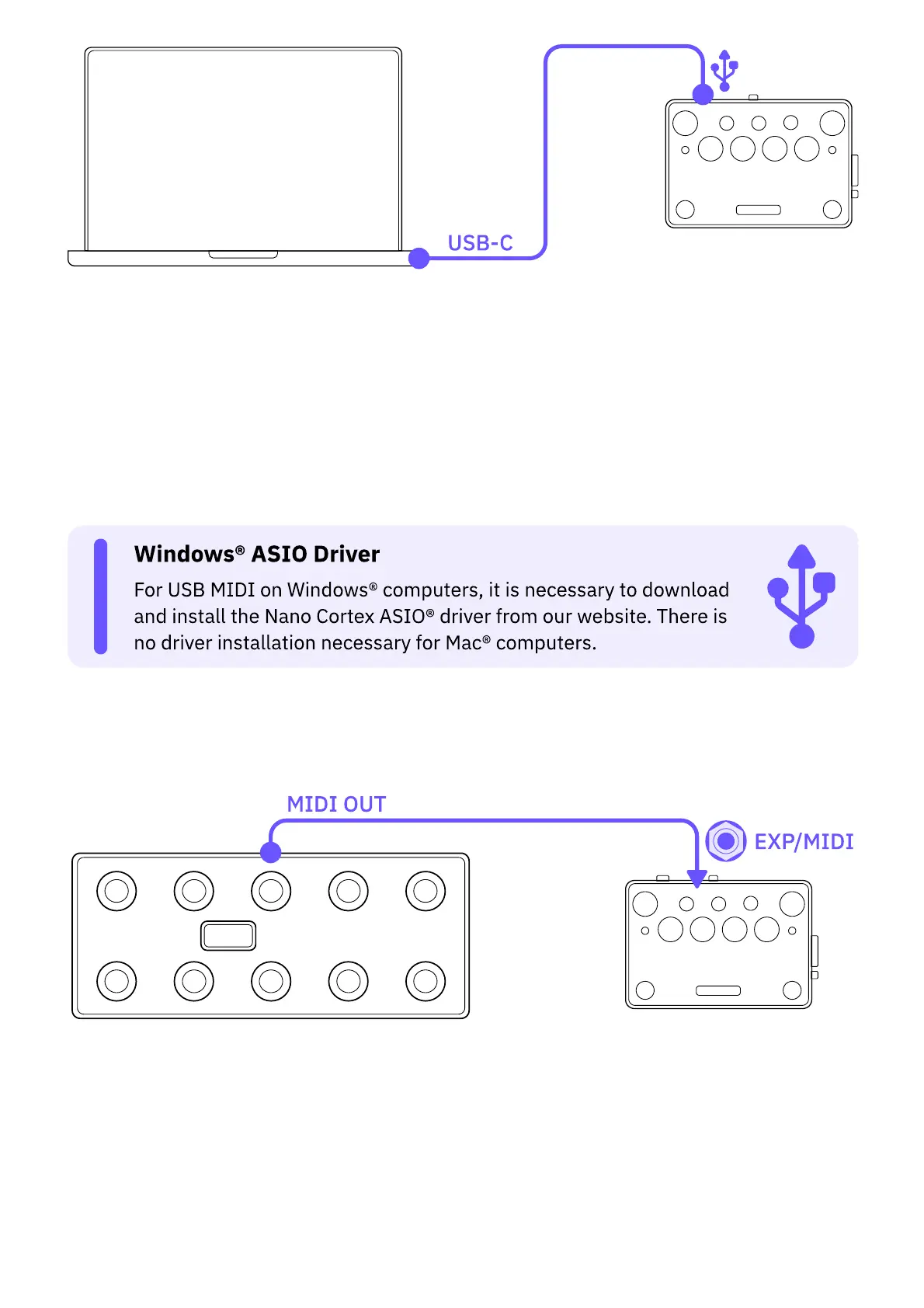
Connect your Nano Cortex to a computer via USB-C.
2
Open your DAW and ensure Nano Cortex is recognized as a MIDI device.
3
Create a MIDI Track, route its output to Nano Cortex, and place Program Change
messages in a MIDI clip.
4
Nano Cortex will recall Presets from the Preset Library accordingly upon playback.
• • •
TRS MIDI TYPE-A ROUTING
1
Ensure the EXP/MIDI operation mode is set as MIDI in the 'Nano Cortex Settings' screen.
2
Connect the external MIDI device's MIDI OUT to Nano Cortex's EXP/MIDI input by using a
TRS MIDI Type-A cable.
3
Set the external MIDI device to send Program Change messages (Program 0 to 63).
4
Nano Cortex will recall Presets from the Preset Library accordingly.



 To Next Page