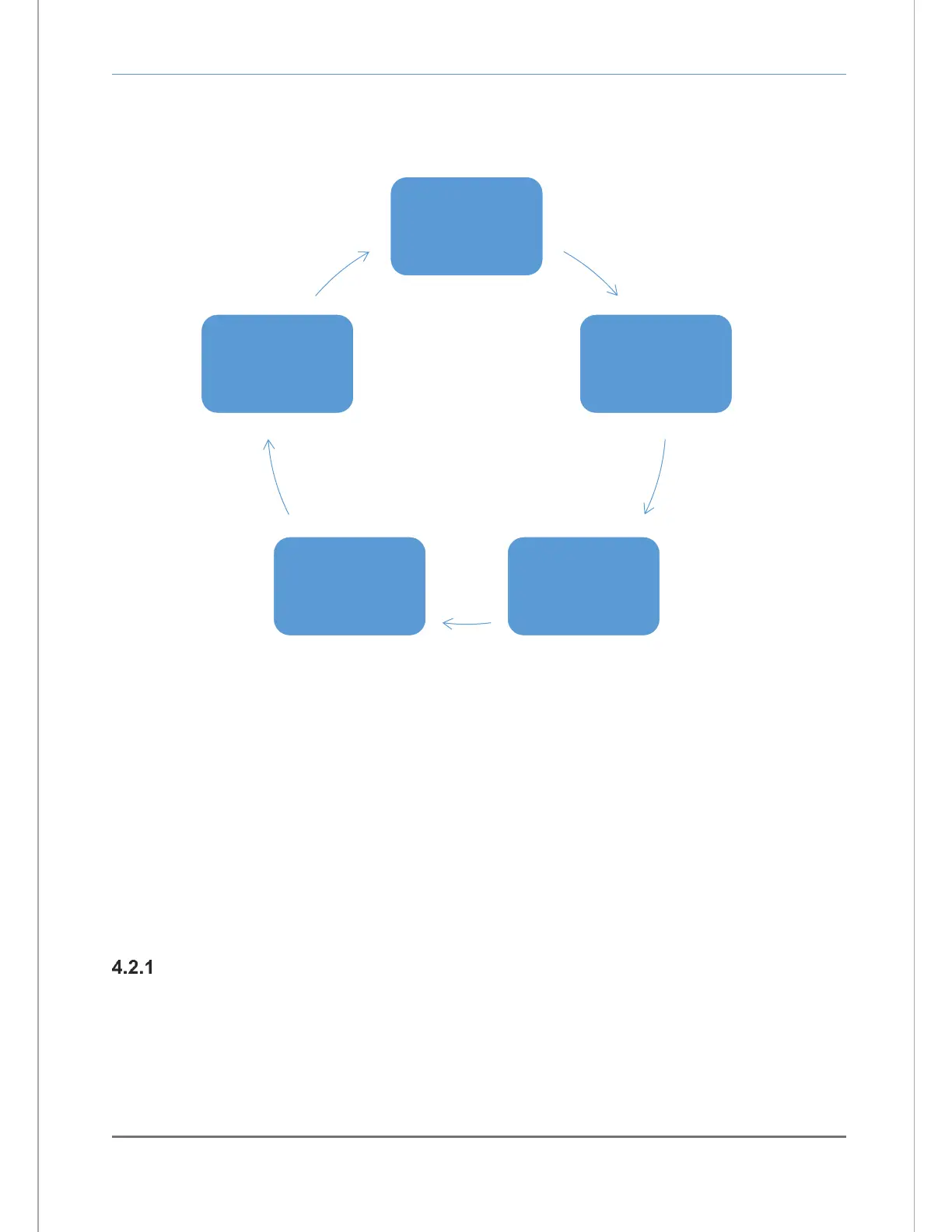
Operating modes are accessed automatically by the analyzer during normal operation (according to its
programming and its configuration parameters). The Operating modes are: Self-Test & Warm-up, Run,
Alarm-1 Active, Alarm-2 Active, and Fault Active (Figure 18).
4.2 USER modes
At any time, the user can initiate any of the user modes either from the control panel or through the
service port. Control panel access of the Calibration, Set/View Alarm-1, Set/View Alarm-2 and View
Active Faults modes will be covered in this chapter. System setup mode and user access via the service
port will be covered in section 4.1.
The user modes Calibration, Set/View Alarm-1, Set/View Alarm-2 and View Active Faults are accessed
serially via the control panel, in the aforementioned order by repeatedly pressing and releasing the
“MODE” key. When a user mode is accessed via the control panel, the Model 7100E aborts any system
mode active, and holds the state of Alarm-1, Alarm-2, Fault, and Heater OK relay outputs until the user
returns the unit to Run mode.
CALIBRATE mode & calibration procedure
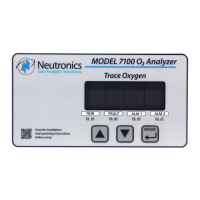
Calibration mode allows the oxygen sensor and analyzer to be aligned to gases of known oxygen
concentration for the most accurate on-line readings. For best accuracy, the Model 7100 requires
calibration at system commissioning, and after the oxygen sensor has been replaced (the oxygen sensor
can only be replaced at the Neutronics factory). The Model 7100 uses a non-depleting solid-state oxygen
sensor. During the normal service life of the sensor (3-4 years), no additional calibration is required.


 To Next Page