Maintenance and troubleshooting Model 7100E
Revision A, dated 24-Jun-2016
Manual P/N: C5-06-4900-14-0
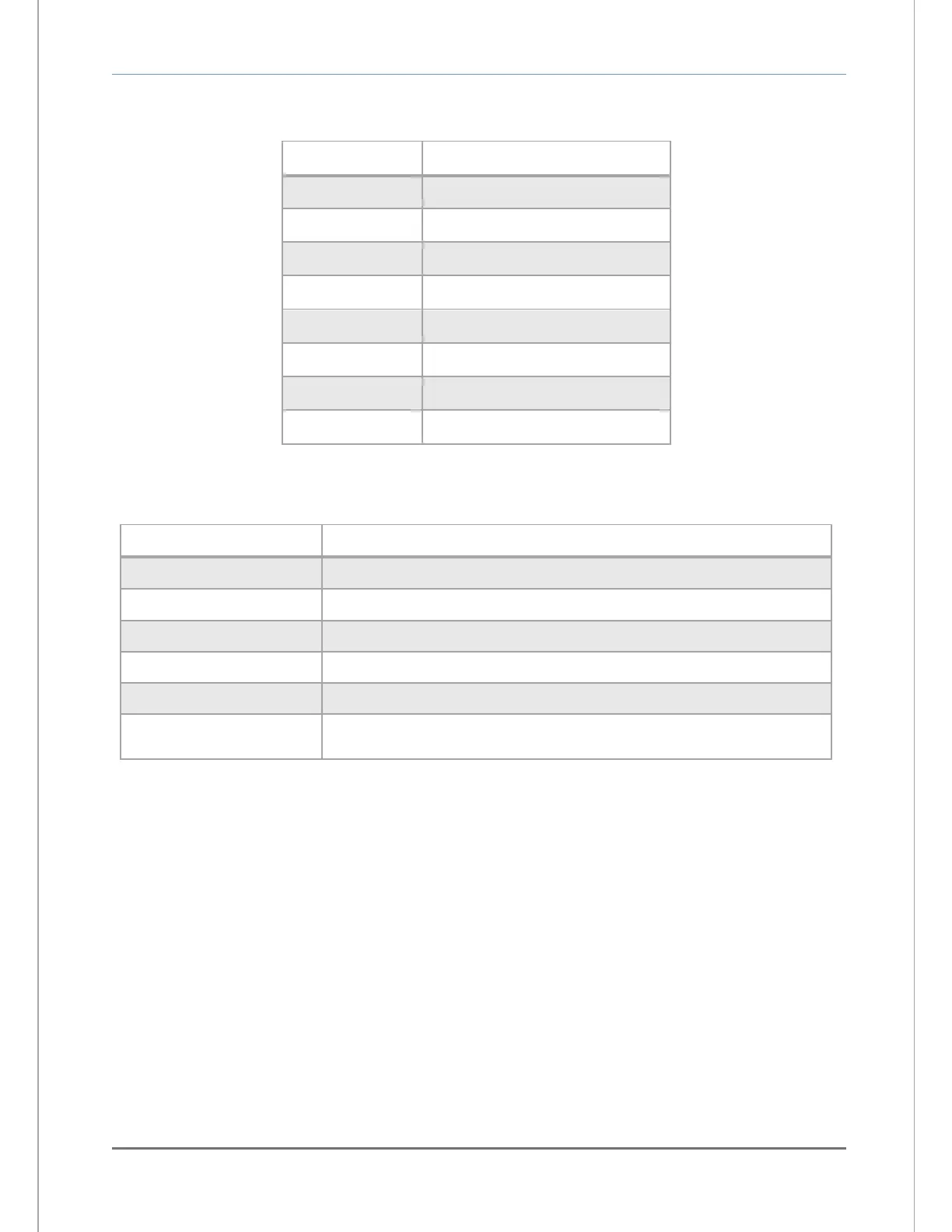
The STANDARD ACCESS level commands:
Description of queried function
Sensor output in Percent Oxygen
Active Fault code descriptions
There are several data formats of the ASCII data dump available. They may be changed from Standard
Level Access to suit the user’s needs as follows:
Description of queried function
Disables RS-232 continuous periodic data-dump
Enables RS-232 output in HUMAN READABLE format
Enables RS-232 output in MACHINE format w/o Checksum
Enables RS-232 output in MACHINE format w/Checksum
Enables RS-232 output in TAB DELIMITED (Excel) format
The user can send a calibration value in decimal format where 100 %
Oxygen = 1. The number format entered must be 6-decimal places.
5.1.2.4.1 Disable RS 232 continuous output – SSERFMT=0
The factory default 1-second data-dump in Standard Level access can be disabled through the RS-
232 interface in Standard Access level. While this setting is active, the user must request
information by pressing the desired key according to the STANDARD ACCESS level commands
chart.
5.1.2.4.2 Human readable data format – SSERFMT=1
The factory default format is Human Readable and can be changed via the analyzer control panel,
or through the RS-232 interface in Standard Level Access. Human Readable data is presented in
dynamic columns (columns appear only when data is present). It is intended for most users, to aid
in setup and maintenance of the unit. Column headings from left to right: Mode
•
O
2
Concentration
•
Alarm-1 status
•
Alarm-1 status
•
list of Fault codes active.
5.1.2.4.3 Machine data format with NO checksum
Machine format with NO checksum can be selected via the analyzer control panel, or through the
RS-232 interface in Standard Access level. Machine format with NO checksum data is streamed in


 To Next Page