28
MAC Core audio device 1
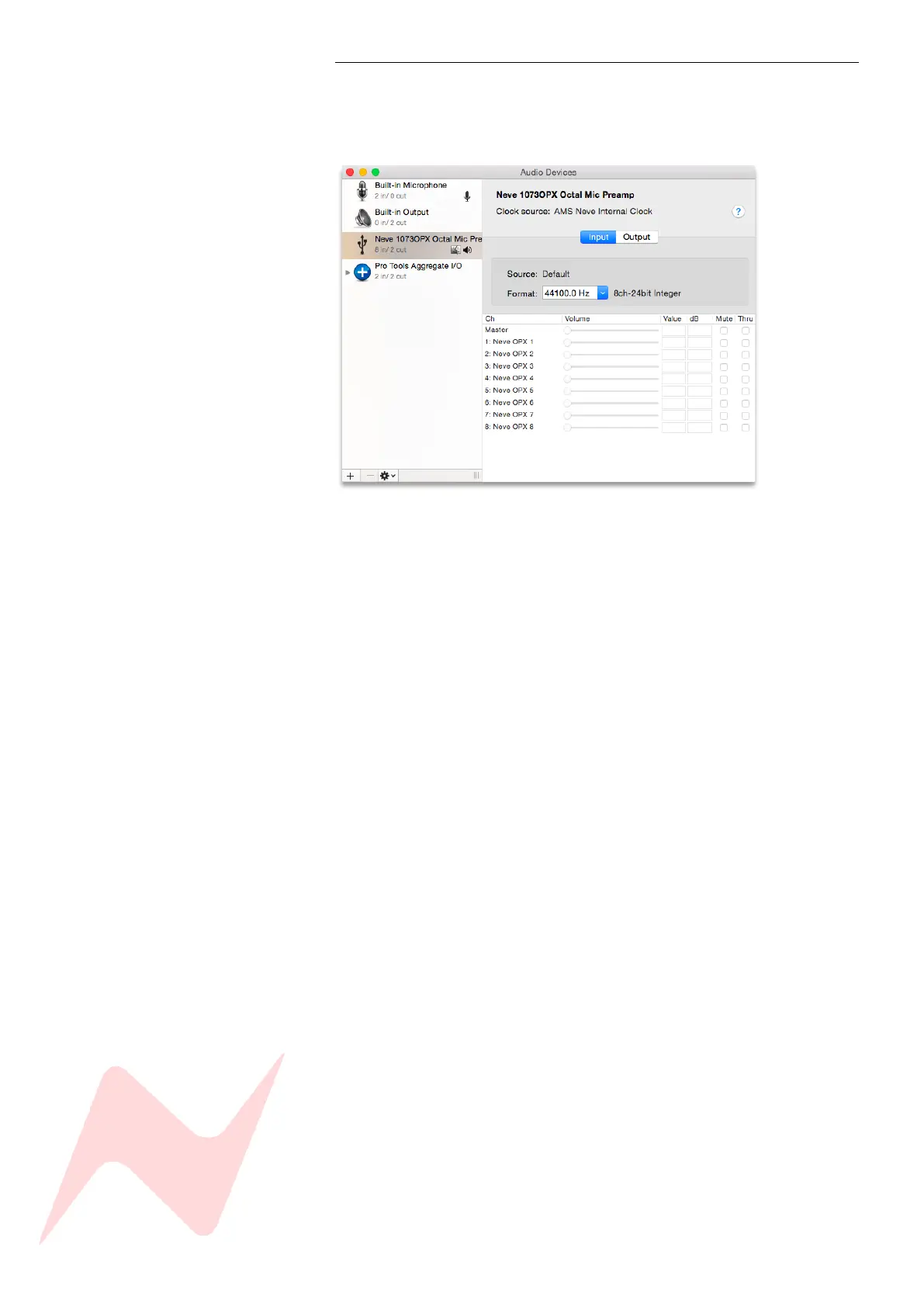
The Neve 1073OPX will appear as a core audio device as soon as the
hardware is connected to the Mac. Adjustments can be made through the
Audio Devices menu.
As a general rule, any flashing LED on the digital panel indicates that the unit is not locked to the selected sample
rate or source. If this happens, please check that the units digital source selection is correct. This will be either
USB, Wordclock or Dante. Solid LEDs indicate the unit is locked to the selected source at the chosen rate.


 To Next Page