SHAPING THE FUTURE SATELLITE OF COMMUNICATIONS
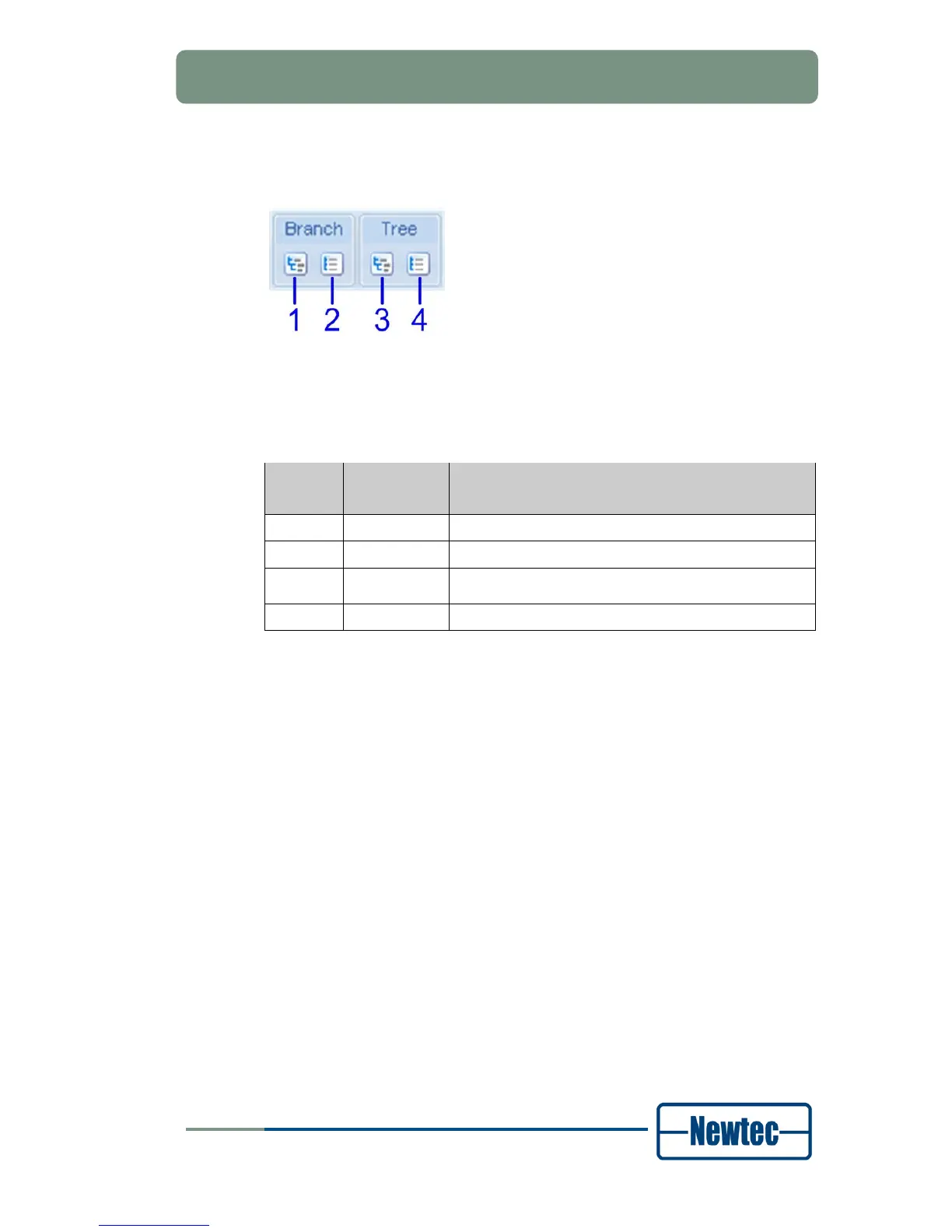
To navigate more easily in the tree structure, expand or collapse a branch of the
tree or the complete tree with the buttons in the navigation bar above the tree.
Figure 21 – Tree Navigation Bar
The following table describes the function of each button in the tree navigation bar
(Refer to Figure 21):
Button
No.
Button
function
Description
1 Expand Expands the selected branch of the tree structure.
2 Collapse Collapses the selected branch of the tree structure.
3 Expand All
Expands the complete tree structure.
4 Collapse All Collapses the complete tree structure.
Table 6 – Tree Navigation Bar Buttons



 To Next Page