Copyright © 2013 NEXCOM International Co., Ltd. All Rights Reserved.
28
NDiS B533 User Manual
Chapter 3: System Setup
CAUTION!CAUTION!
Please correctly follow the below instructions and
noted items to avoid making unnecessary damages.
Installing a SATA Hard Drive
2. Place the SATA hard drive onto the drive bracket. Align the mounting
holes that are on the sides of the SATA drive with the mounting holes
on the drive bracket. Then secure the SATA drive with screws.
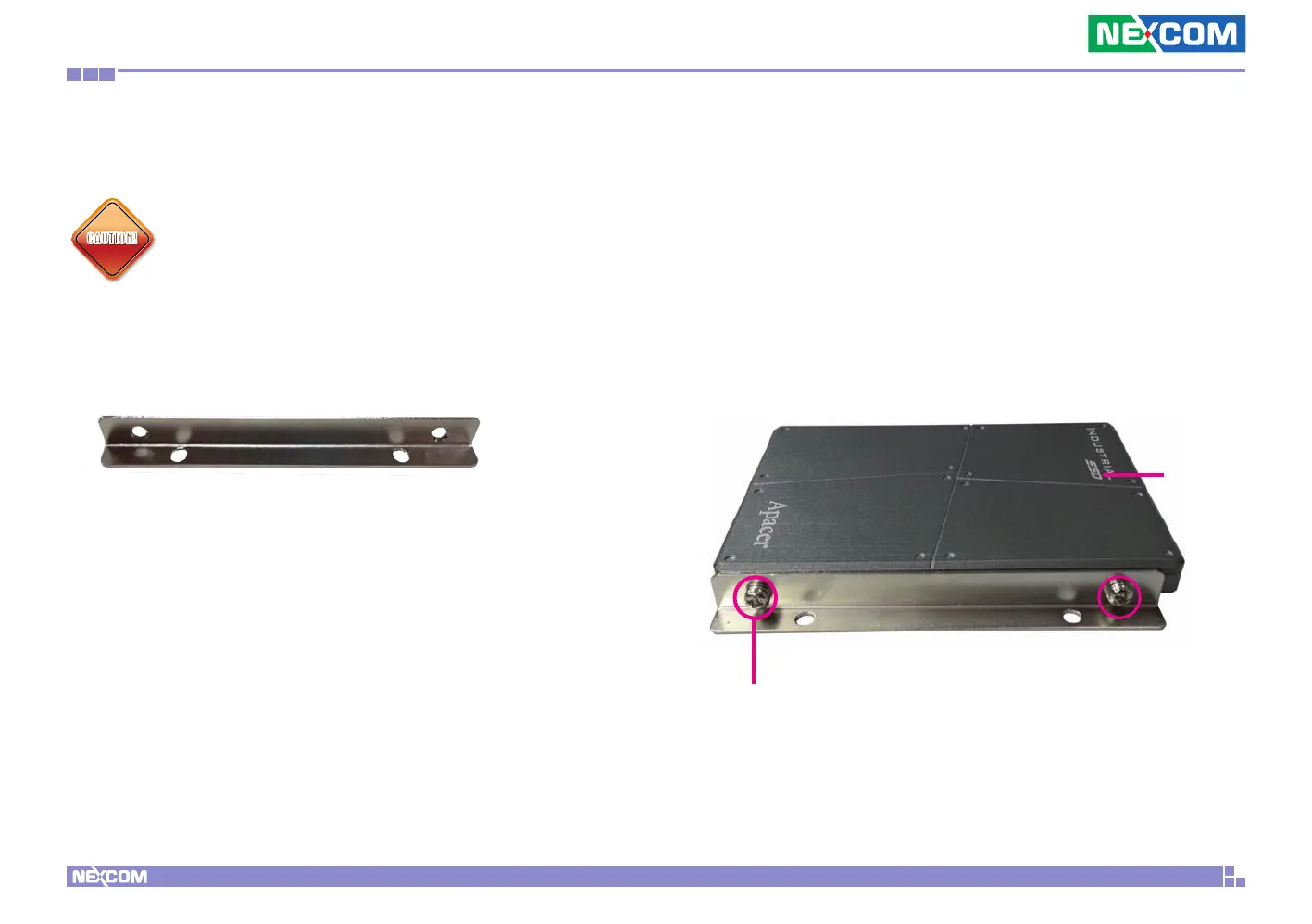
1. The drive bracket included in the package is used to hold a SATA hard
drive.
SATA
Hard Drive
Mounting Screw


 To Next Page