Copyright © 2013 NEXCOM International Co., Ltd. All Rights Reserved.
50
NDiS B533 User Manual
Chapter 4: BIOS Setup
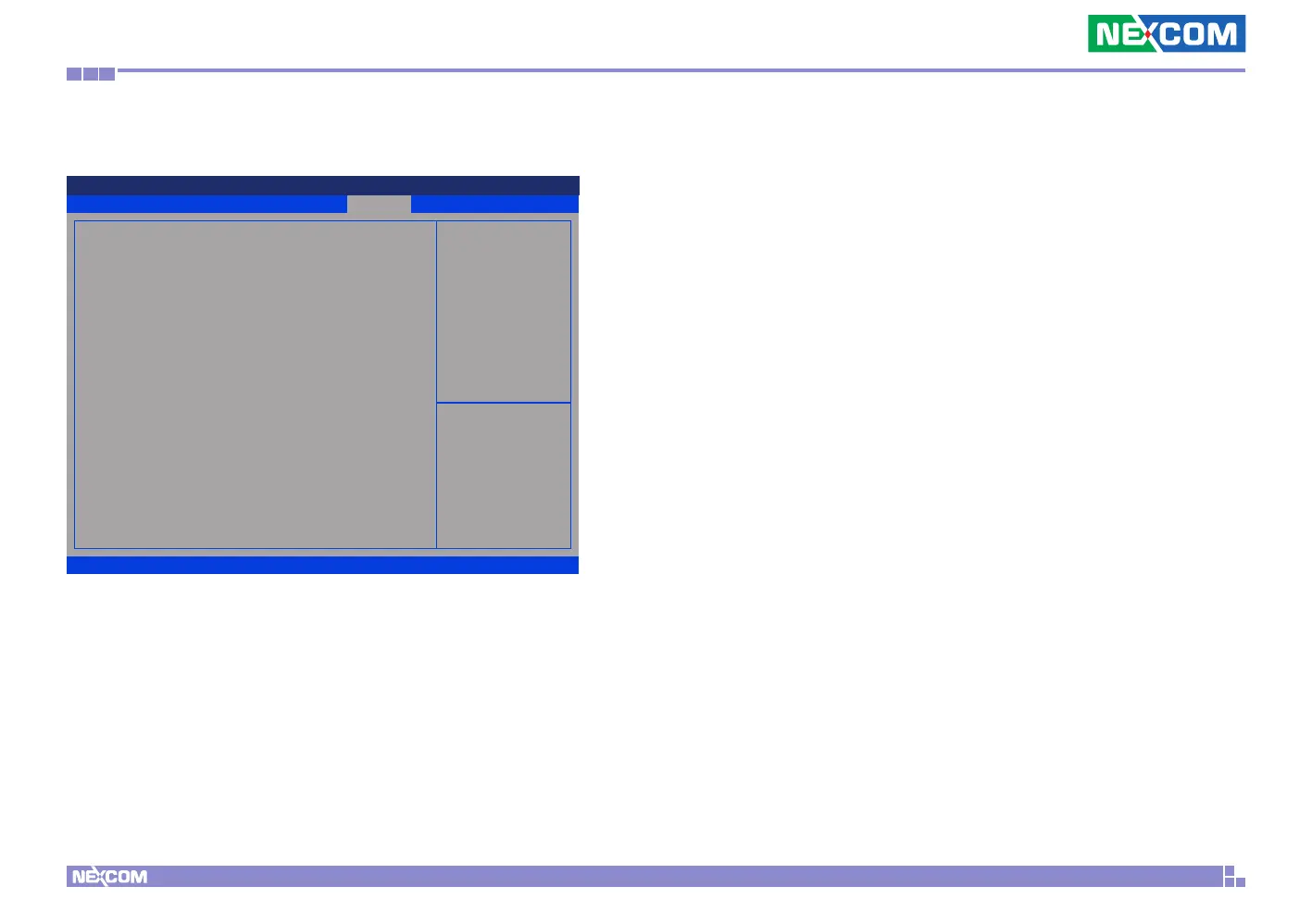
Save & Exit
Advanced Boot
Security
Save & ExitMain
Version 2.15.1236. Copyright (C) 2012 American Megatrends, Inc.
Aptio Setup Utility - Copyright (C) 2012 American Megatrends, Inc.
→←: Select Screen
↑↓: Select Item
Enter: Select
+/-: Change Opt.
F1: General Help
F2: Previous Values
F3: Optimized Defaults
F4: Save & Exit
ESC: Exit
Reset the system after
saving the changes.
Save Changes and Reset
Discard Changes and Reset
Restore Defaults
Save as User Defaults
Save & Exit
Save Changes and Reset
To save the changes and exit the Setup utility, select this field then press
<Enter>. A dialog box will appear. Confirm by selecting Yes. You can also
press <F4> to save and exit Setup.
Discard Changes and Reset
To exit the Setup utility without saving the changes, select this field then
press <Enter>. You may be prompted to confirm again before exiting. You
can also press <ESC> to exit without saving the changes.
Restore Defaults
To restore the BIOS to default settings, select this field then press <Enter>. A
dialog box will appear. Confirm by selecting Yes.
Save as User Defaults
To use the current configurations as user default settings for the BIOS,
select this field then press <Enter>. A dialog box will appear. Confirm by
selecting Yes.


 To Next Page