USB-Link™ 3 Installation and Setup Manual
Chapter 3: Installing the Drivers and Setting Up the Device
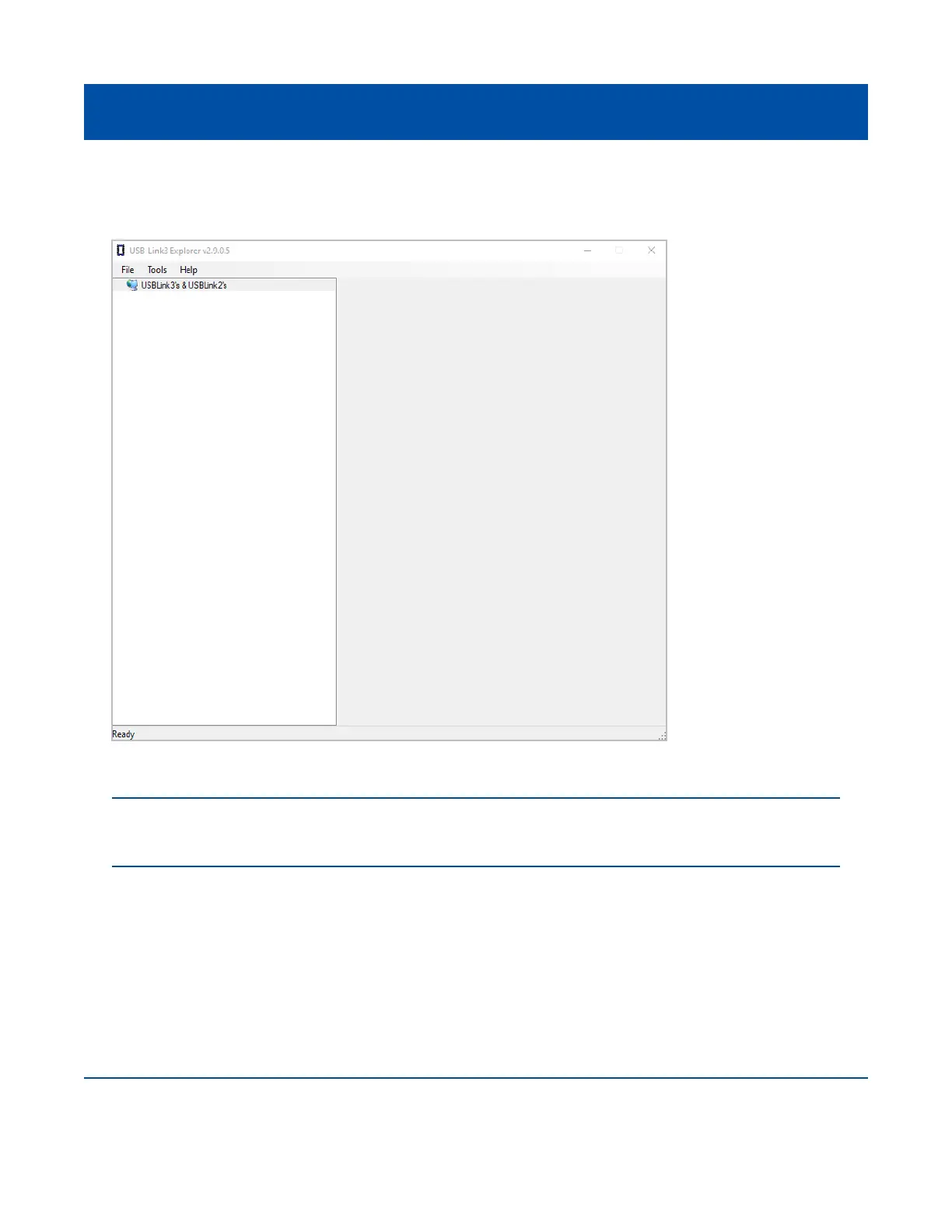
The USB-Link™ 3 Explorer utility opens.
14 Proceed to Step 2: Connect the USB-Link™ 3 to a Vehicle (pg. 27)
26
Figure 3.8 USB-Link™ 3 Explorer Utility
NOTE: For information on using the USB-Link™ 3 Explorer, see Using the USB-Link™ 3 Explorer Utility
on page 40 of this manual.



 To Next Page