USB-Link™ 3 Installation and Setup Manual
Chapter 3: Installing the Drivers and Setting Up the Device 49
The Help Menu
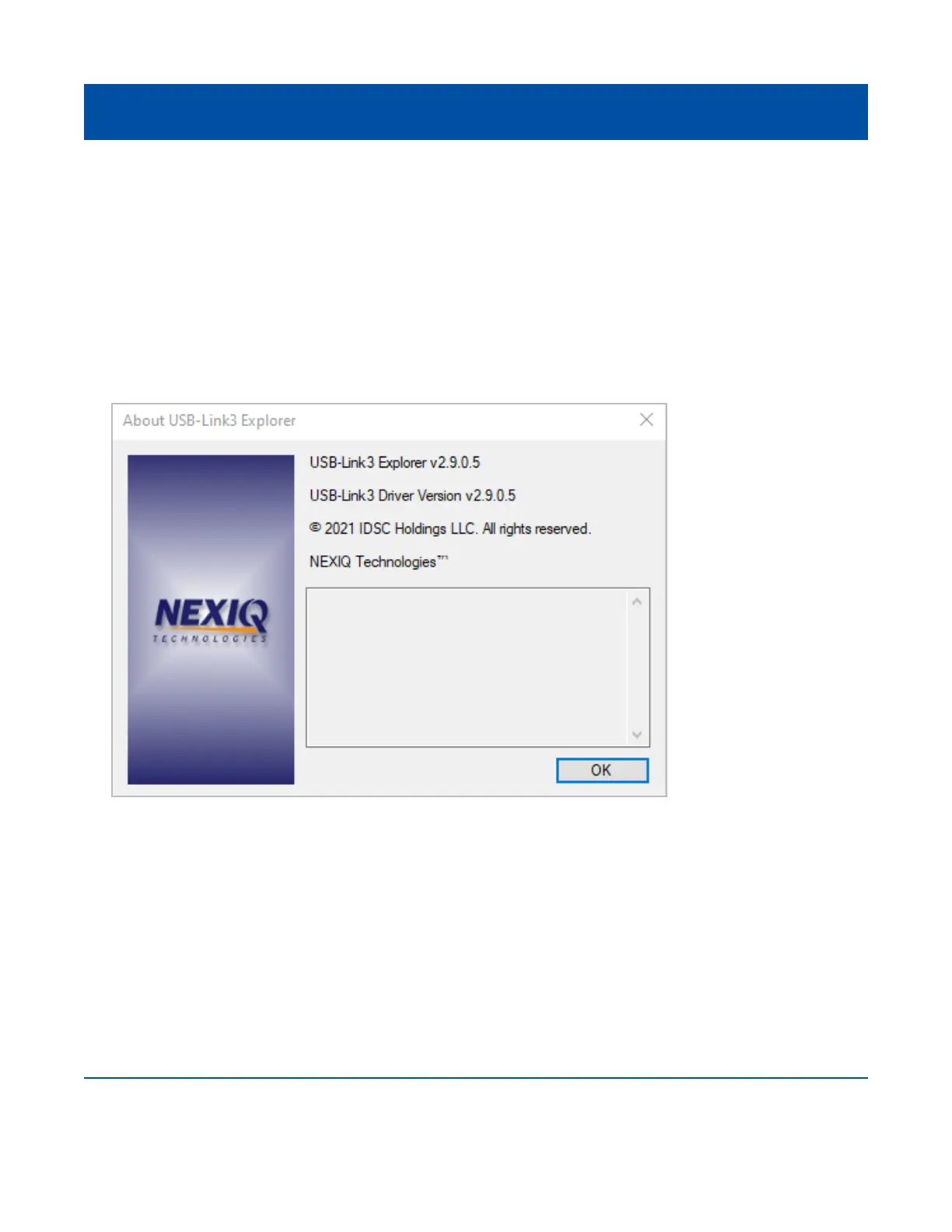
The Help menu has one feature, About. Use the About feature to display information about the
USB-Link™ 3 Explorer.
To access the Help menu:
1 Select Help from the USB-Link™ 3 Explorer menu bar.
2 Select About.
3 When you are nished reviewing the information, click OK to close the dialog box.
Figure 3.27 About USB-Link™ 3 Explorer



 To Previous Page