USB-Link™ 3 Installation and Setup Manual
Chapter 3: Installing the Drivers and Setting Up the Device 47
Options
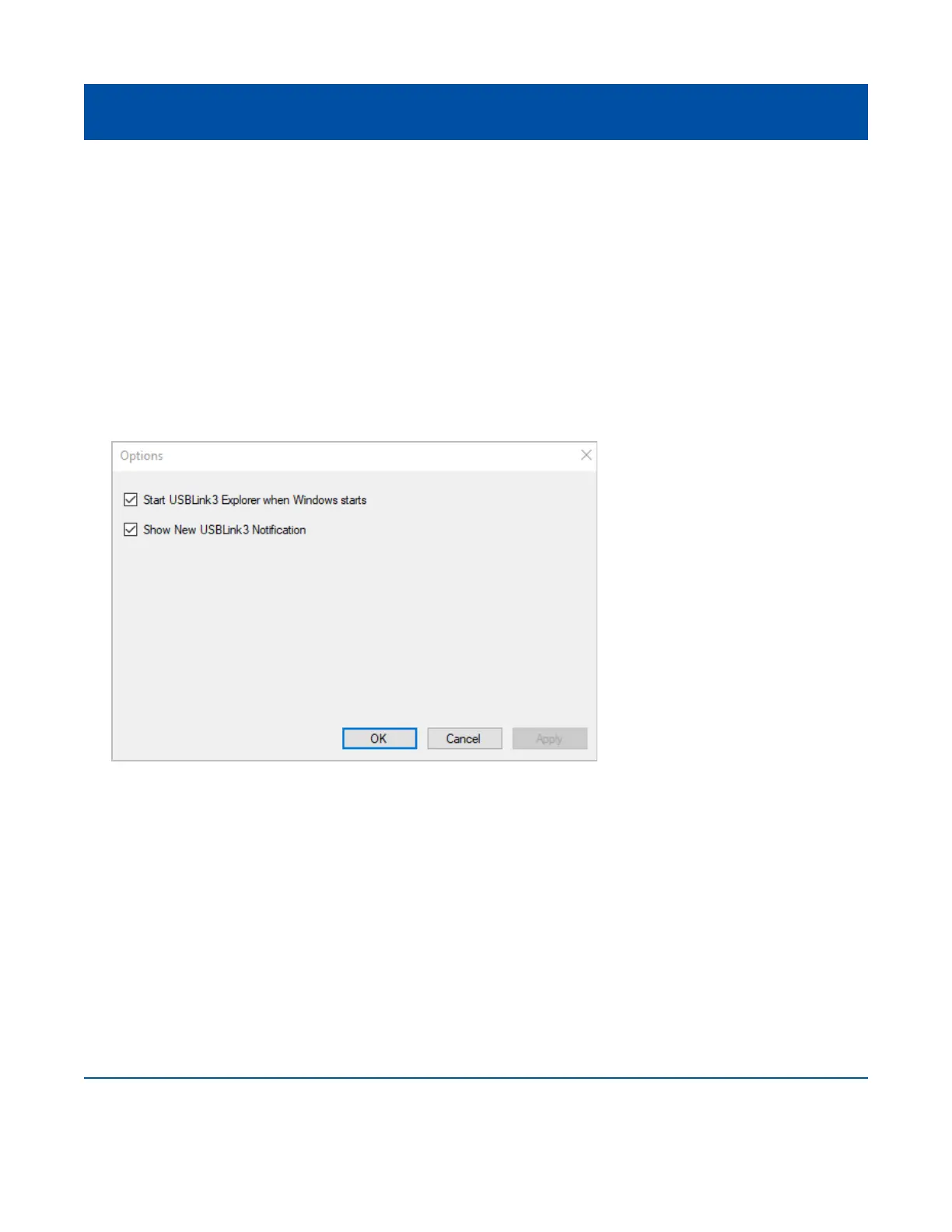
The Options feature provides the following features which are presented as check boxes:
• Start USB-Link™ 3 Explorer when Windows starts (pg. 47)
• Show New USB-Link™ 3 Notication (pg. 48)
Start USB-Link™ 3 Explorer when Windows Starts
Use this feature to set when the USB-Link™ 3 Explorer opens. The default setting opens
the USB-Link™ 3 Explorer when Windows starts.
To change the default, click on the check box to remove the check mark.
Click OK.
Figure 3.24 Options Menu



 To Next Page