USB-Link™ 3 Installation and Setup Manual
Chapter 3: Installing the Drivers and Setting Up the Device
Step 1: Install the Drivers
Prior to using the USB-Link™ 3, you will need to install the necessary USB-Link™ 3 drivers.
The USB-Link™ 3 drivers are compatible with Microsoft
®
, Windows
®
10, and Windows
®
11.
The following procedure requires that you have Internet access.
To install the drivers on your laptop or PC:
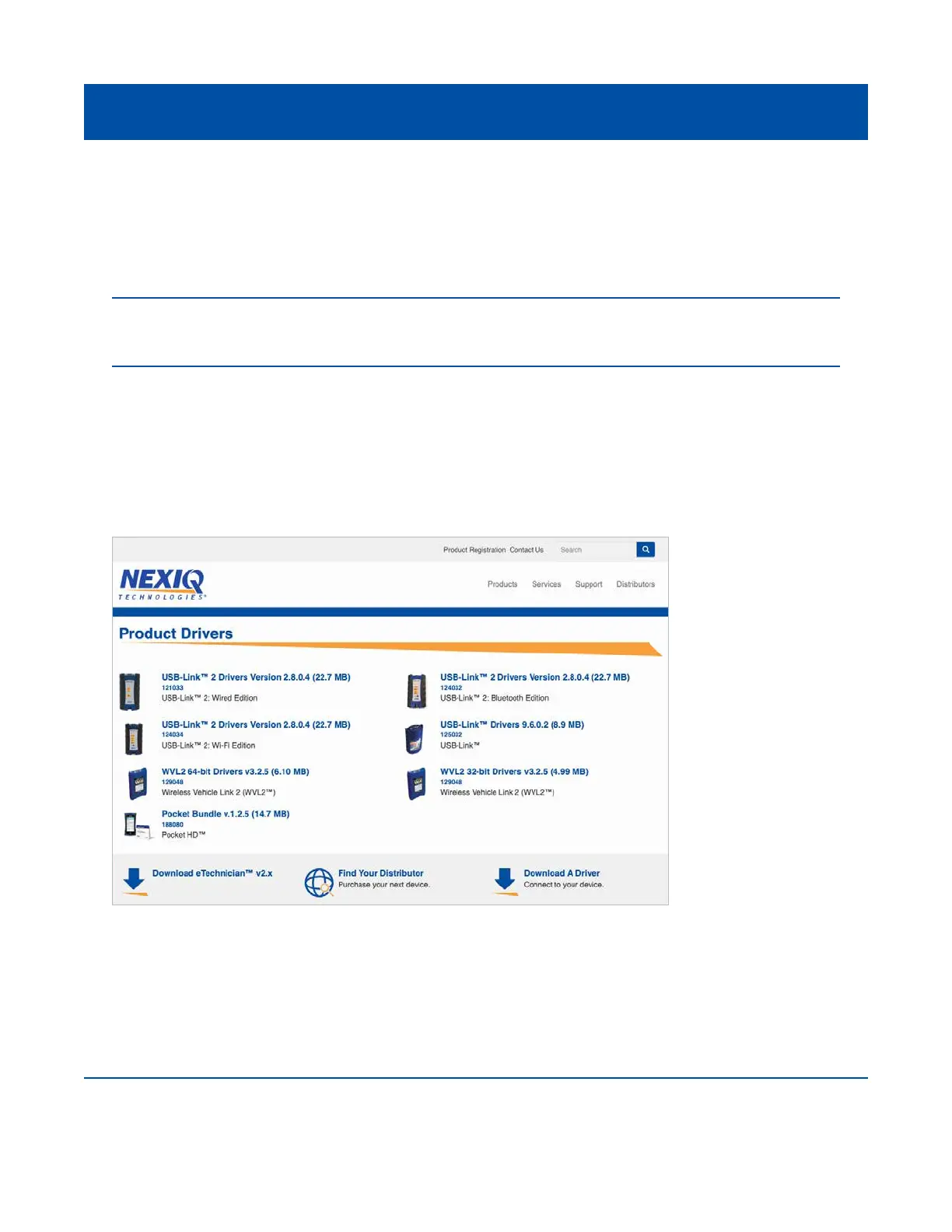
1 On your laptop or PC, navigate to the following website:
https://www.nexiq.com/Home/Drivers
2 Select the latest version of the USB-Link™ 3 drivers.
3 Click Download.
19
IMPORTANT: Remember, you must have Administrator security rights and be logged in as “Admin”
to successfully complete the installation process outlined in this manual.
Figure 3.1 NEXIQ Download Page



 To Next Page