USB-Link™ 3 Installation and Setup Manual
Chapter 3: Installing the Drivers and Setting Up the Device
4 Click Open to open the downloaded le.
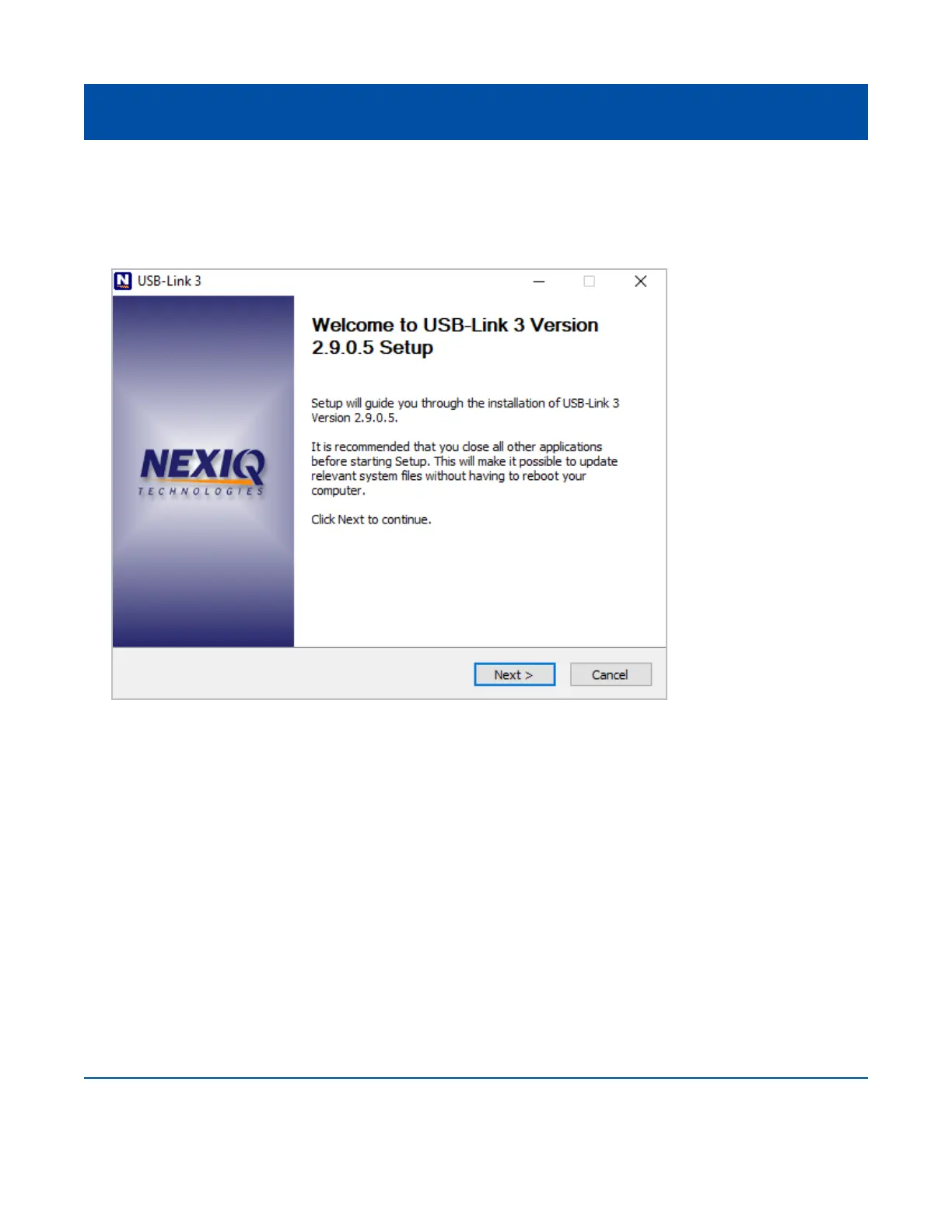
The Welcome to USB-Link™ 3 Setup screen is displayed.
5 Carefully read the information displayed on the screen and follow the recommendations.
6 Click Next.
20
Figure 3.2 Welcome to USB-Link™ 3 Setup Screen



 To Next Page