USB-Link™ 3 Installation and Setup Manual
Chapter 3: Installing the Drivers and Setting Up the Device
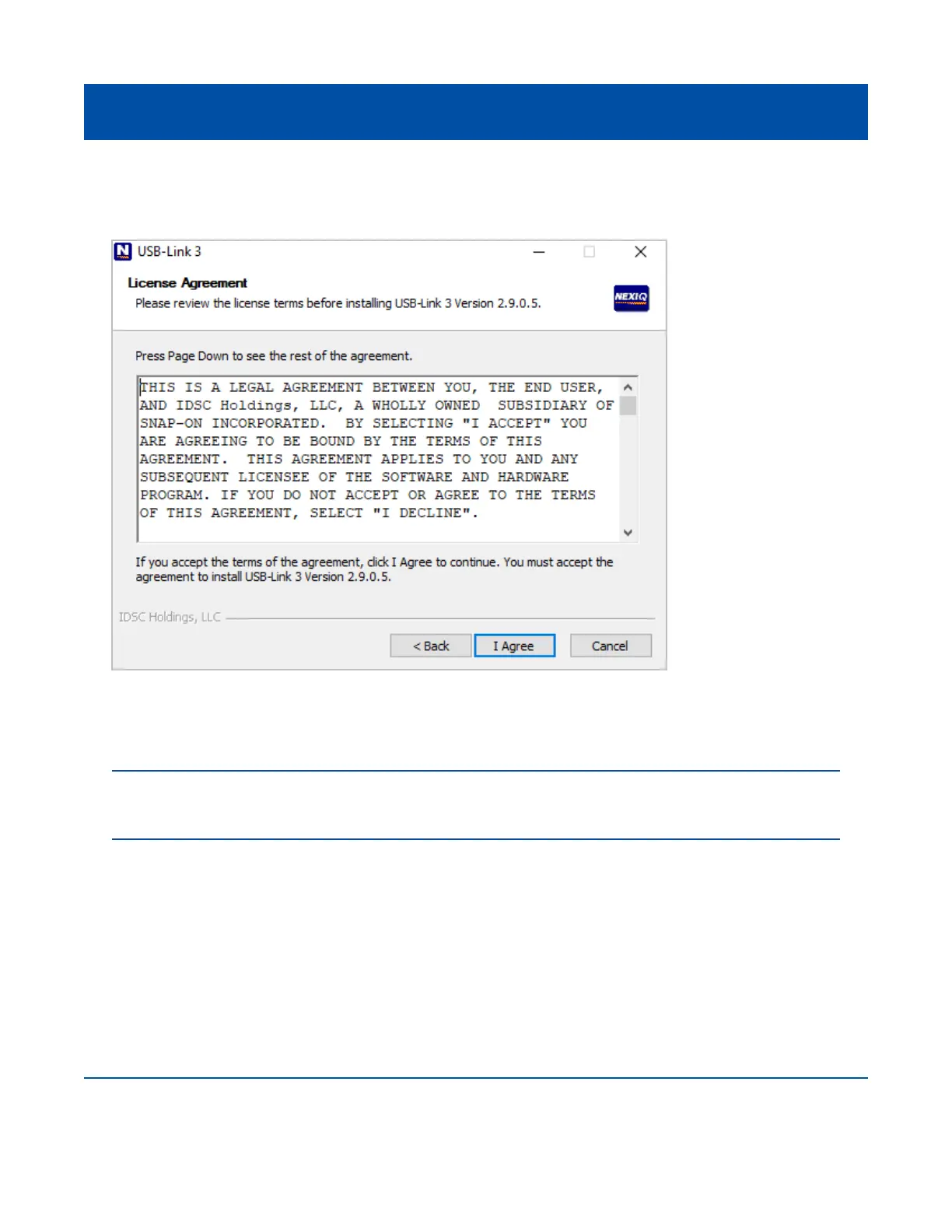
The License Agreement screen is displayed.
7 Read all the information on this screen, then click I Agree.
21
Figure 3.3 License Agreement Screen
NOTE: If you do not agree to the terms, click Cancel. A message is displayed prompting you to quit the
USB-Link™ 3 Setup. Click Yes to quit.



 To Next Page