USB-Link™ 3 Installation and Setup Manual
Chapter 3: Installing the Drivers and Setting Up the Device
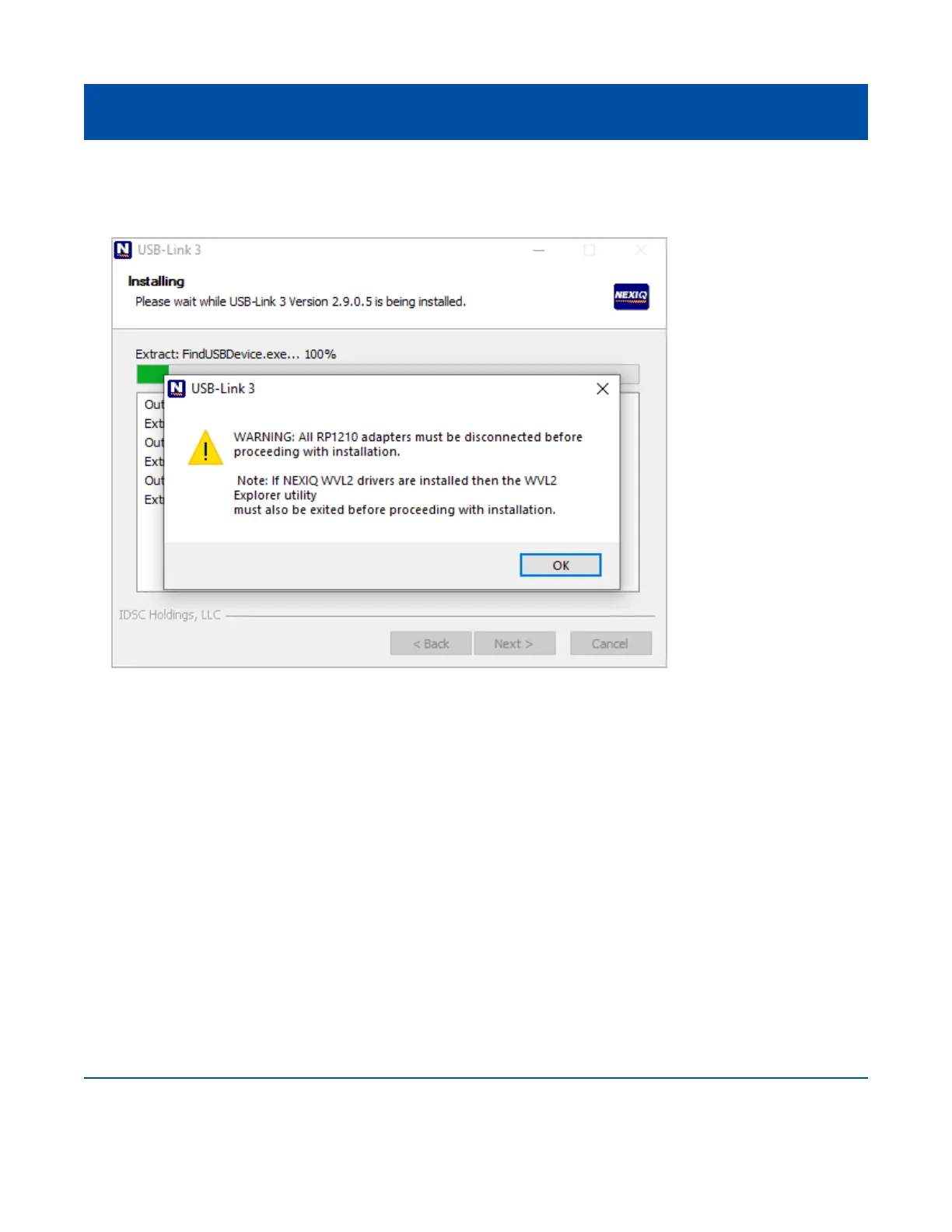
The following warning message is displayed.
8 Carefully read the warning message. Disconnect all RP1210 adapters connected to your laptop
or PC prior to proceeding with the installation.
9 Once you have complied with the requirements of the warning message, click OK.
22
Figure 3.4 Warning Message



 To Next Page