USB-Link™ 3 Installation and Setup Manual
Chapter 3: Installing the Drivers and Setting Up the Device
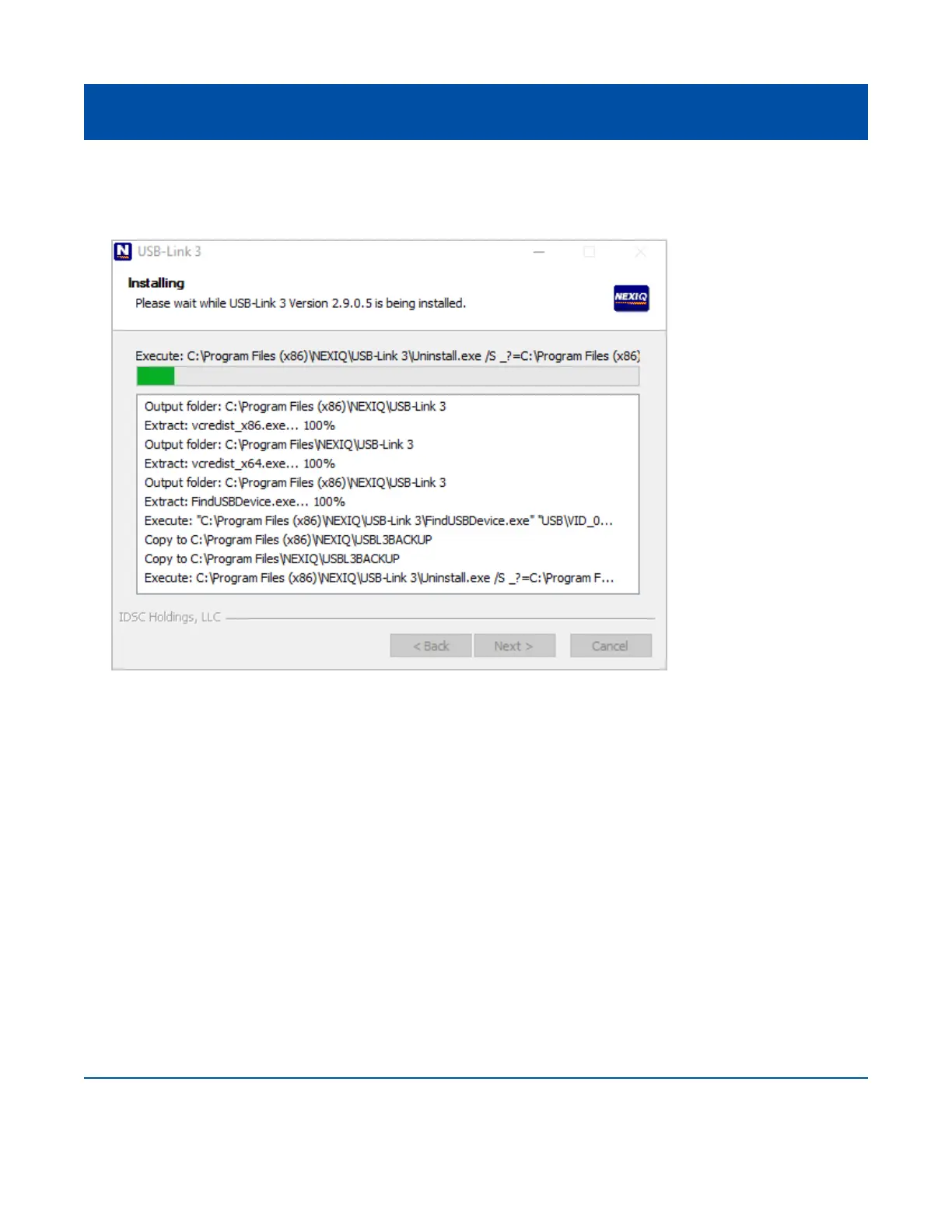
When the installation begins, the following screen is displayed.
10 Click Install to continue.
11 Wait briey while the installation continues.
23
Figure 3.5 Installation Screen



 To Next Page