USB-Link™ 3 Installation and Setup Manual
Chapter 3: Installing the Drivers and Setting Up the Device 41
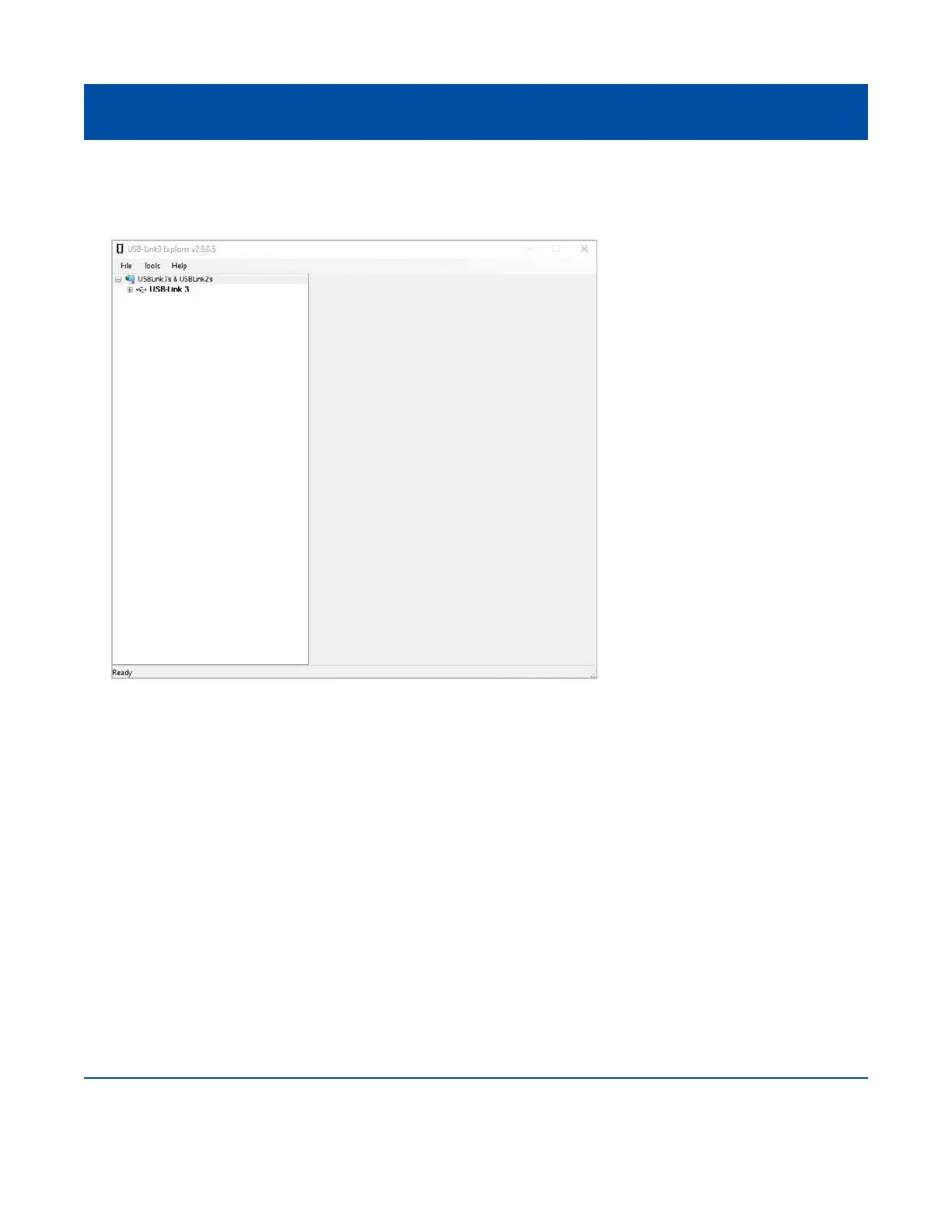
The USB-Link™ 3 Explorer opens.
The following menu options are provided:
• File (pg. 45)
• Tools (pg. 46)
• Help (pg. 49)
Each menu option includes a number of features. Menu options are discussed in the
following sub-sections.
When you click on a USB-Link™ 3 in the list, the Conguration tab is displayed (Figure 3.20).
Figure 3.19 USB-Link™ 3 Explorer



 To Next Page