9
3.3 LCD Screen and Menu
3 Cabling and Amplication
At start up the load screen will display for about four seconds.
NEXT
p
droau oi
-
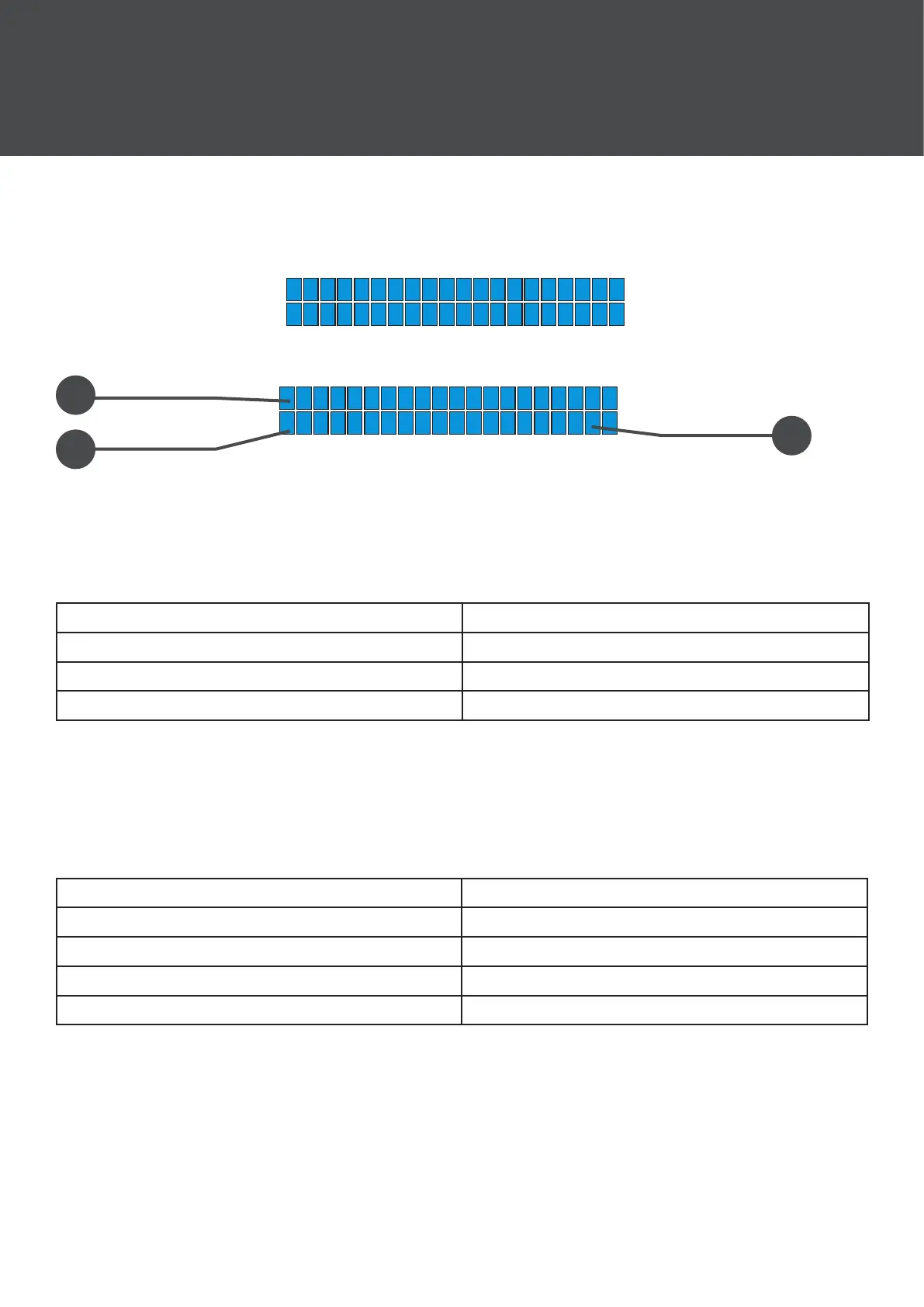
After that the main menu screen will display:
1 :
XLA210
S
A
8-6*
-
YARRA
1
2
3
1. Displays the current active preset.
2. Displays the name of the device.
3. Displays the amplier state. The letters displayed have the following meaning:
O: System is running normally S: Amp is starting up
E: Error on AMP connection state C: PC is connected
-: No connection Input state A: Analogue input
L: AES-input locked U: AES-input unlocked
To access the settings menu push the encoder. Rotate the encoder and push
again to select the required setting. Select the setting using the encoder, to
return to the main menu simply wait for four seconds. The settings menu is as
follows:
0. Main Menu 5. Set Subnet
1. Volume 6. Select input
2. Delay 7. System temp
3. Load Preset 8. Info
4. Set IP 9. Amp state
All of this information can be accessed and changed via the X-NET control
software. For more information and guidance on its use go to the download
section of the LA210x product page:
https://www.nextaudiogroup.com/en/product/la210x/


 To Next Page